

Magic Editor Guide
Everything you can do with the Magic Editor — edit, upscale, and enhance your headshots
 Written by Loris Siegenthaler · Founder
The Magic Editor lets you refine your headshots after generation. Change backgrounds, swap outfits, upscale to high resolution, and more — all powered by AI. Each edit uses credits from your plan's included balance or purchased credit packs.
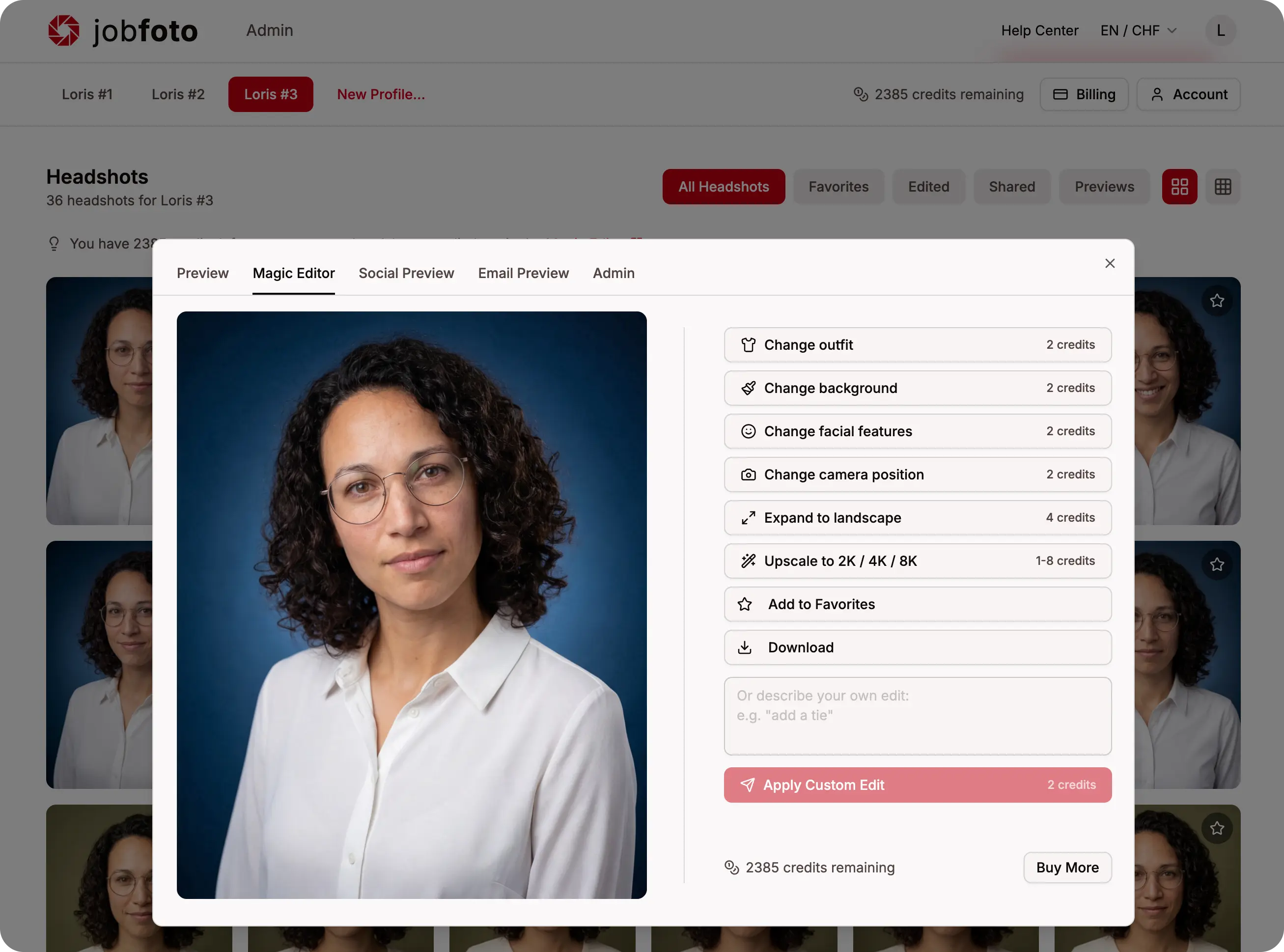
Available Edits
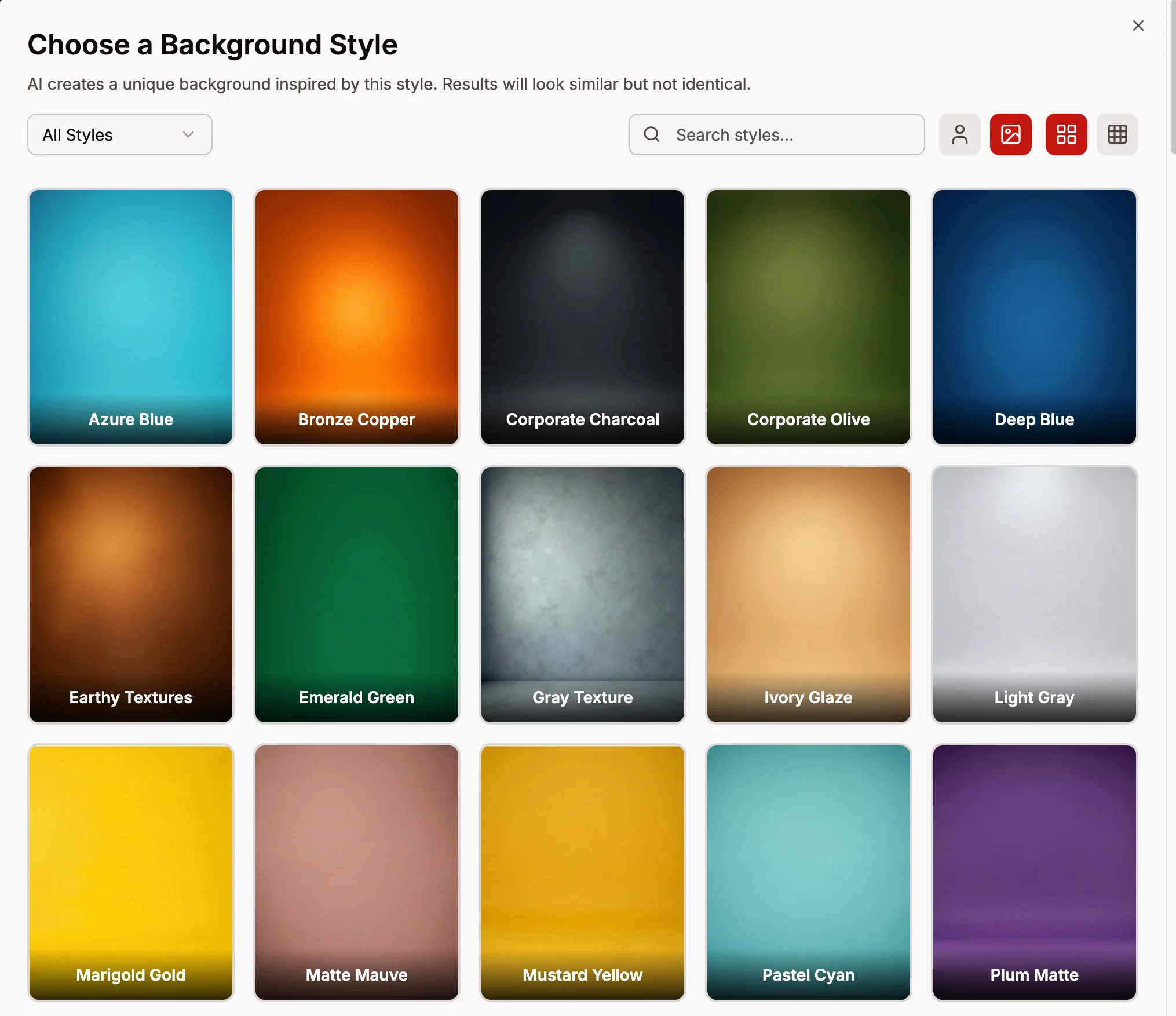
Change Background (2 credits)
Replace the background of your headshot with a different setting — studio, corporate, nature, urban, and more. Browse background styles and pick one, and the AI generates a new version of your headshot in that environment. Learn more about backgrounds.
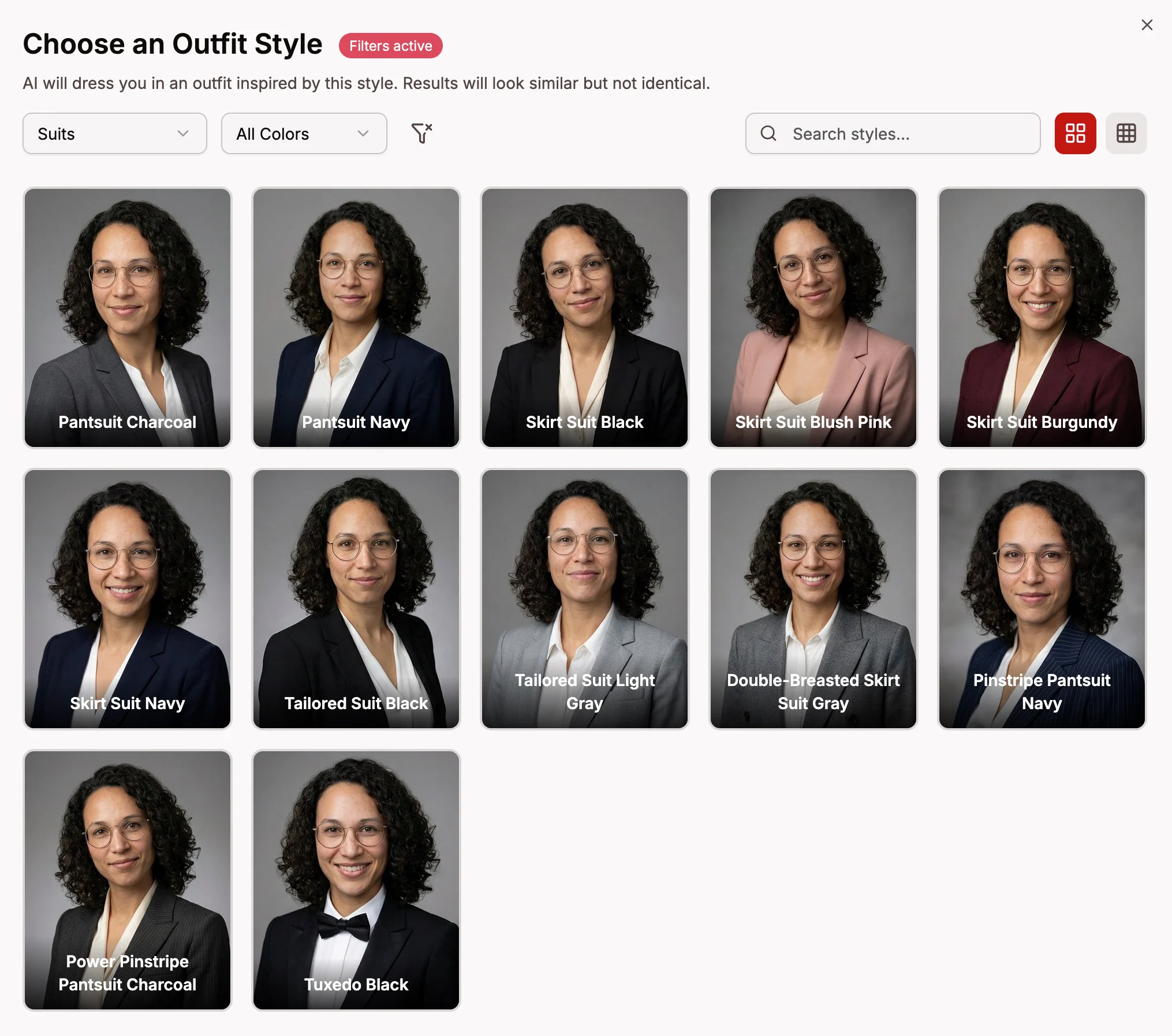
Change Outfit (2 credits)
Swap the clothing in your headshot to a different style. Choose from suits, blazers, polos, sweaters, and more — the AI seamlessly integrates the new outfit while keeping your pose and expression. Learn more about outfits.
Facial Features (2 credits)
Modify facial details like adding a smile, hiding teeth, or changing facial hair (clean shaven, stubble, beard, or mustache). Subtle refinements that keep your headshot looking natural. Learn more about facial features.
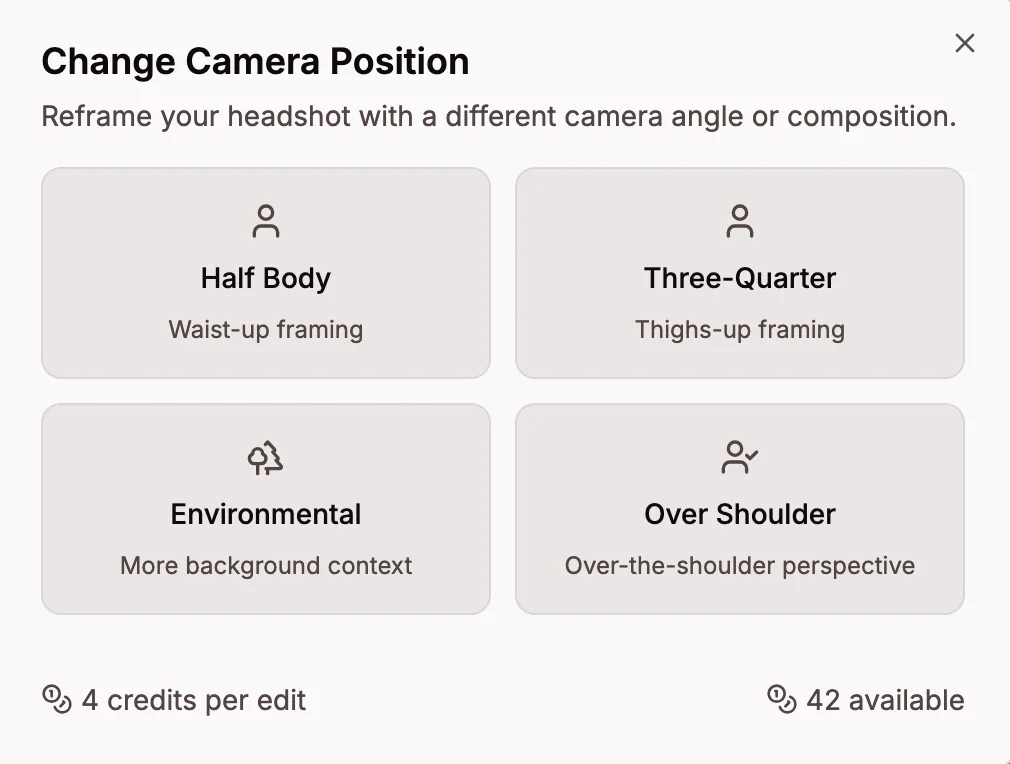
Camera Position (2 credits)
Change the framing of your headshot — from a close-up face shot to a half-body, full-body, environmental, or over-the-shoulder view. Learn more about camera positions.
Expand to Landscape (4 credits)
Convert your portrait headshot to a 16:9 landscape format, perfect for LinkedIn banners, website headers, or presentations. Choose whether to position yourself on the left, center, or right. The expanded image is rendered at full 4K resolution. Learn more about expanding.
Custom Prompt (2 credits)
Describe any change you want in plain text — add glasses, change the lighting, put on a hat, or anything else you can think of. The AI interprets your description and applies the edit. Learn more about custom prompts.
Upscaling
Increase the resolution of your headshots for professional use. Upscaling is a one-way operation — apply all other edits first, then upscale your final result. Available resolutions: 4K (2 credits) and 8K (8 credits). Learn more about upscaling.
Credits
Each plan includes Magic Editor credits:
- Basic: 8 credits
- Professional: 16 credits
- Executive: 32 credits
Need more? Purchase additional credit packs from the Billing & Credits page.
If an Edit Fails
If an edit fails, your credits are automatically refunded. Simply try the edit again. See Edit Failed for more details.