

Your free AI headshot from a single selfie
Upload a selfie and choose an outfit and a background. Our AI turns it into a professional headshot in about a minute.
Free · No credit card · One photo per account
Already created a photo? Sign in

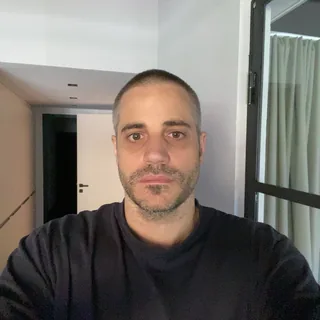 Selfie
How it works
How the free AI headshot generator works
You upload a selfie, and our AI creates a new photo of you from it. It takes your face from the selfie. Clothing, light and background come from the look you choose.
1. Upload a selfie
A phone photo from the front in good light is enough. We check it before you continue.
2. Choose your look
Pick one of four outfits and one of four backgrounds.
3. Download your photo
Sign in, and your photo is ready in about a minute. We also send you an e-mail with the link.
What the free photo includes
The free tool is enough for a single photo. If you want more choice and want to edit your photos, there is the full version.
| Feature | ||
|---|---|---|
| Photos | 1 | 36 to 120 |
| Outfits | 4 to choose from | 105+ to choose from |
| Backgrounds | 4 to choose from | 150+ to choose from |
| Poses | 1 | Various |
| Facial expressions | 1 | Various |
| Resolution | 1K | Up to 8K |
| Edit photos (Magic Editor) | Not included | Included |
| No watermark | Included | Included |
| Personal use | Included | Included |
| Commercial use | Not included | Included |
Tips for a good selfie
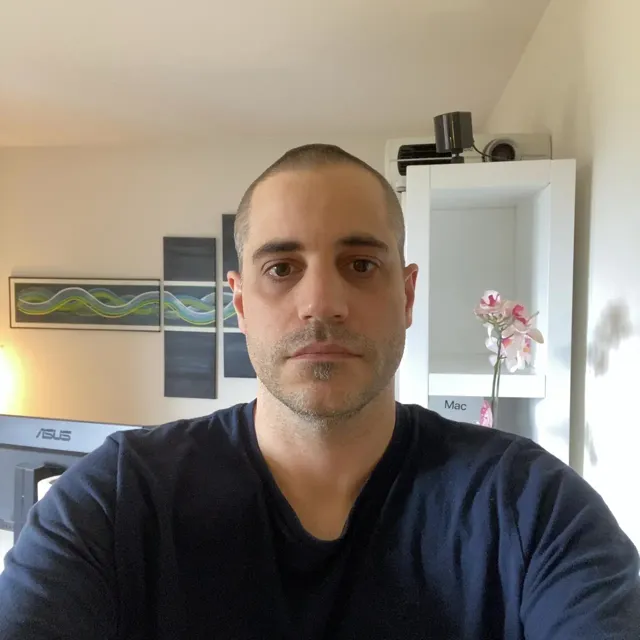
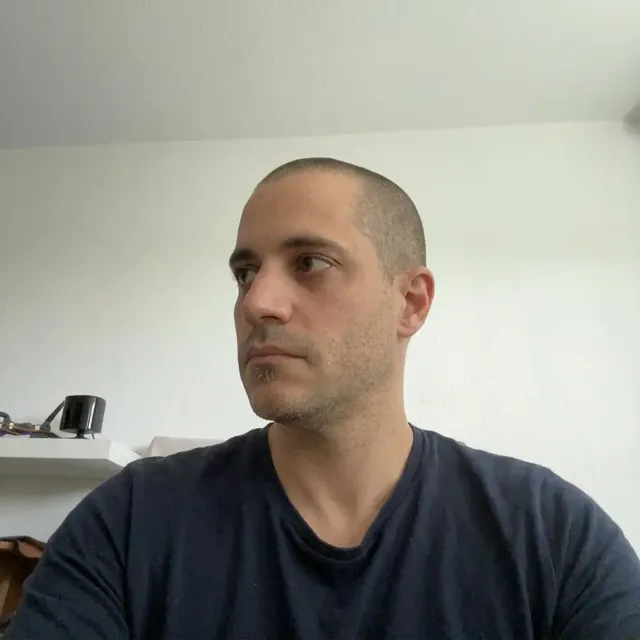
The better your selfie, the better your AI headshot. A phone photo is enough if you look straight into the camera and are alone in the picture.
Where to use your photo
Your headshot is a portrait-format photo at 1024 × 1280 pixels. It fits your CV and your profile on LinkedIn, XING or job portals.
FAQ