

Custom Prompt
Describe any change you want in plain text and let the AI apply it
 Written by Loris Siegenthaler · Founder
 1 min read
Updated 6 June 2026
The custom prompt gives you full creative control. Describe the change you want in your own words, and the AI interprets your description and applies it to your headshot.
How It Works
- Open a headshot in the Magic Editor
- Scroll to the Custom Edit text area
- Type a description of what you want changed
- Click Apply Custom Edit
You can write your prompt in any language — it's automatically translated to English so the AI can understand it.
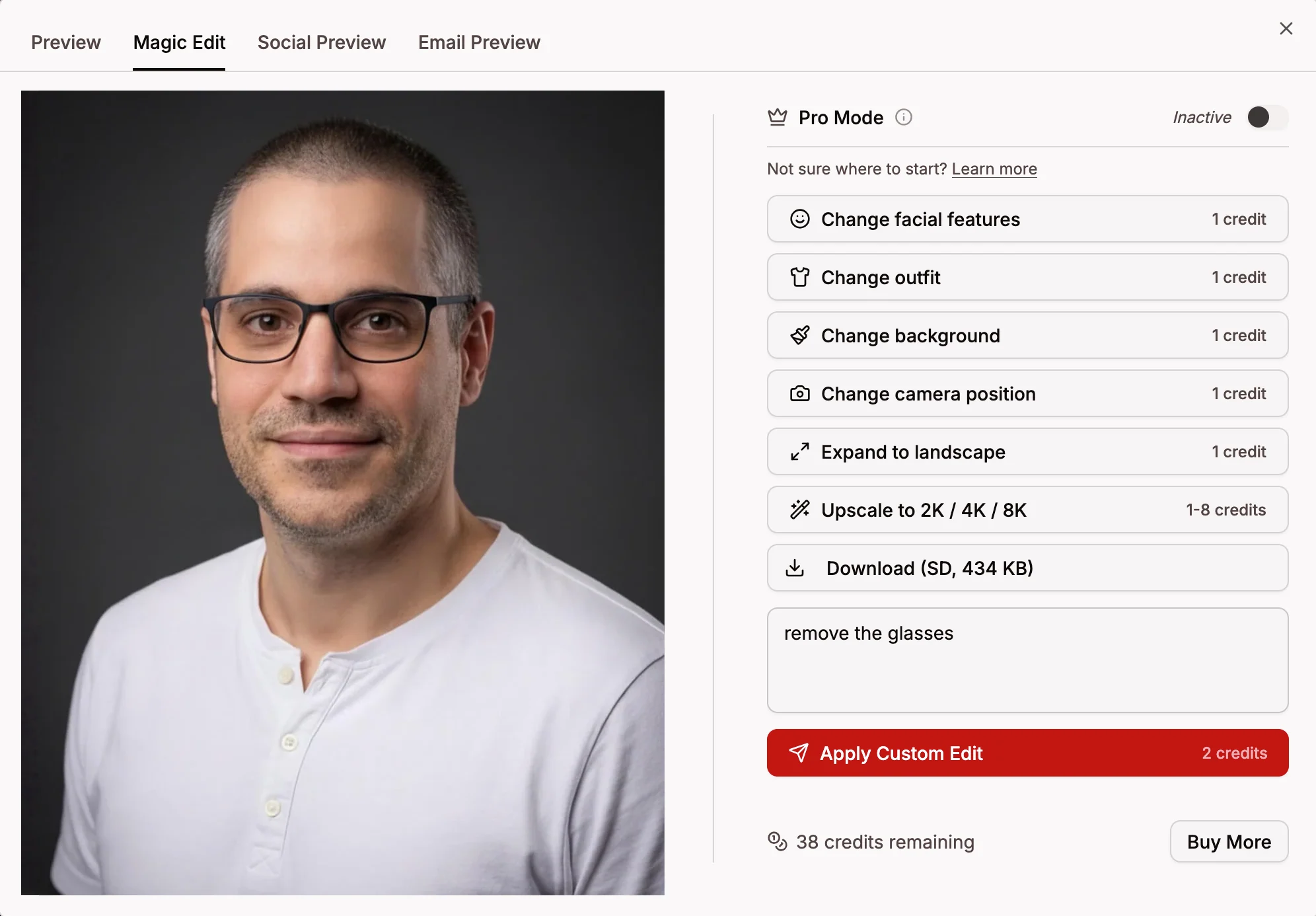
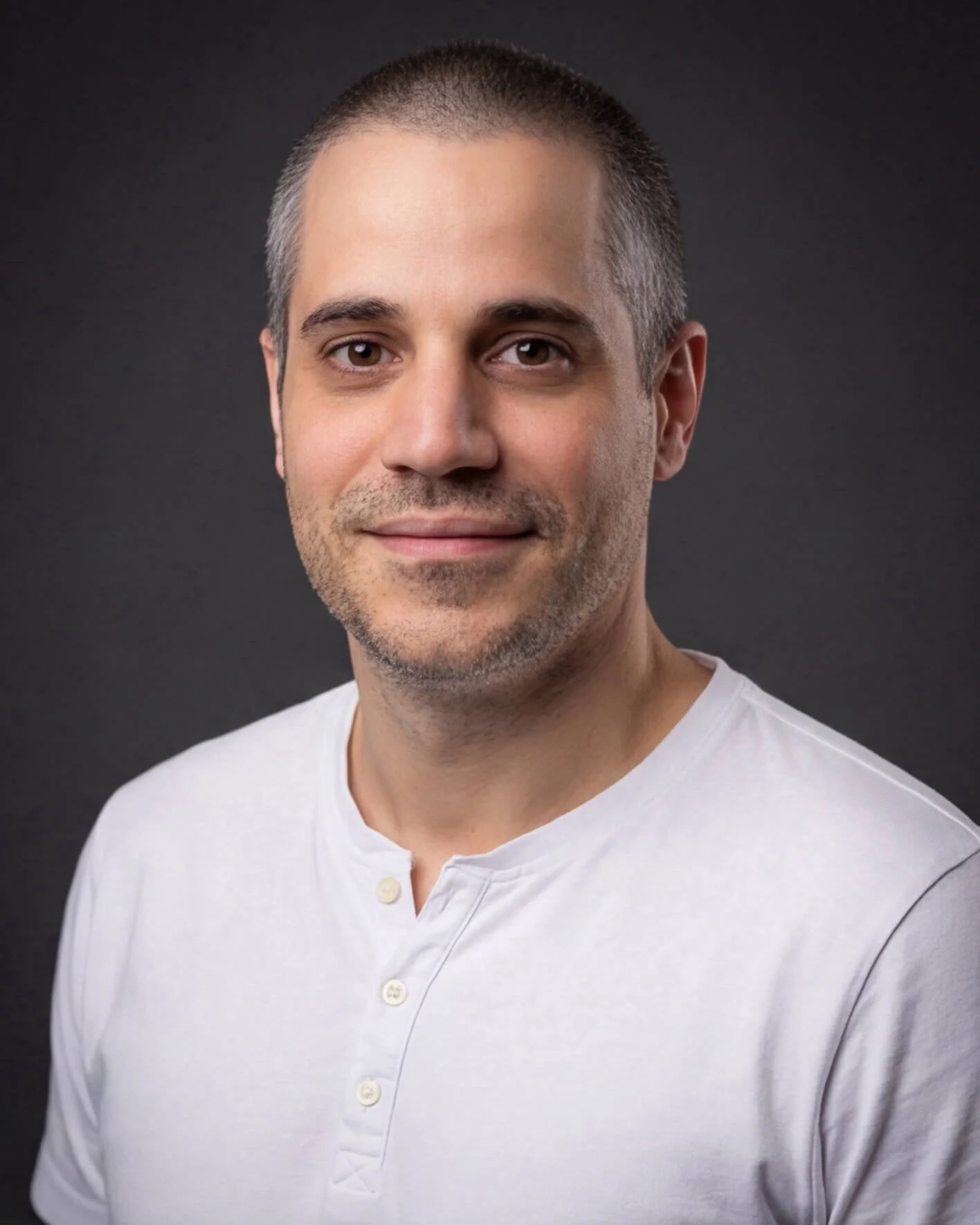
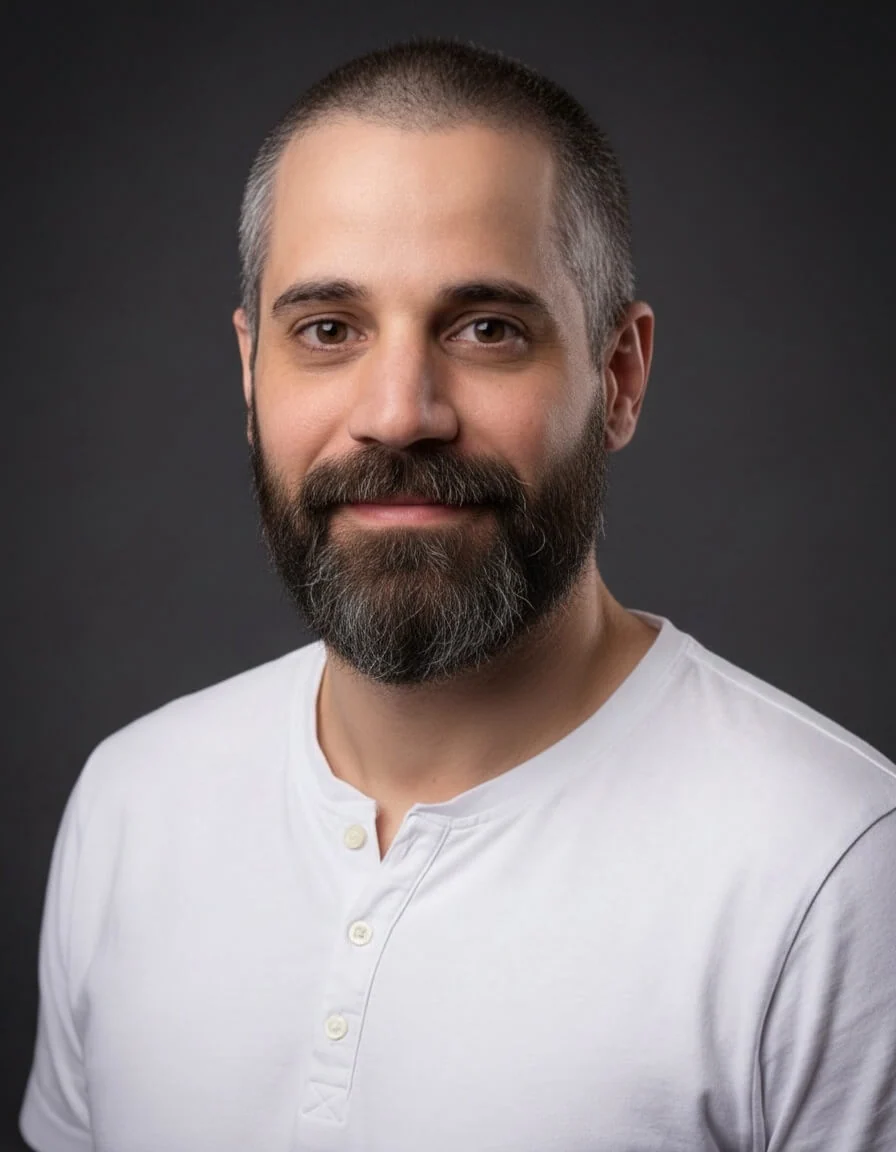
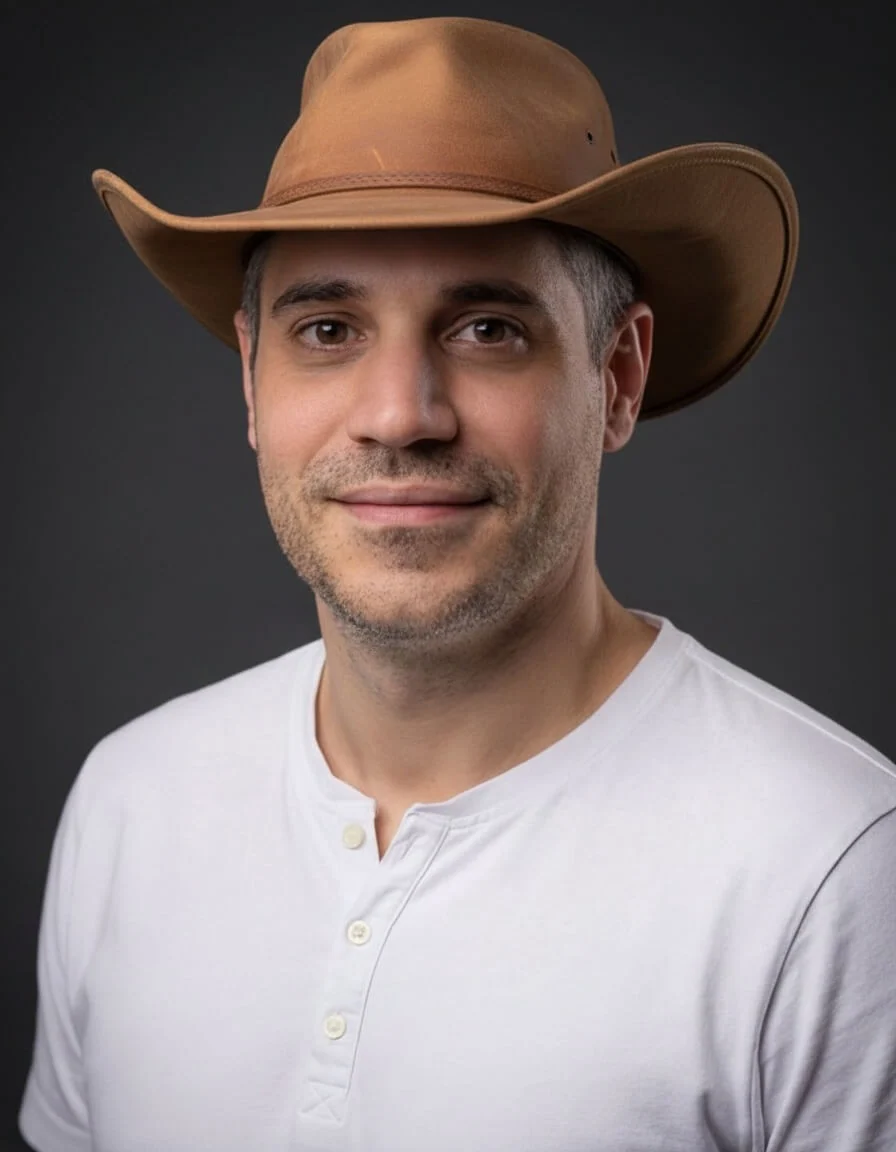
Examples
- "Add glasses"
- "Make the lighting warmer"
- "Add a cowboy hat"
- "Remove the tie"
The more specific your description, the better the result. You can try the same prompt multiple times to get different variations.
Credits
- 2 credits per custom edit