

Facial Features
Adjust facial details like smile, teeth visibility, and facial hair
 Written by Loris Siegenthaler · Founder
 1 min read
Updated 6 June 2026
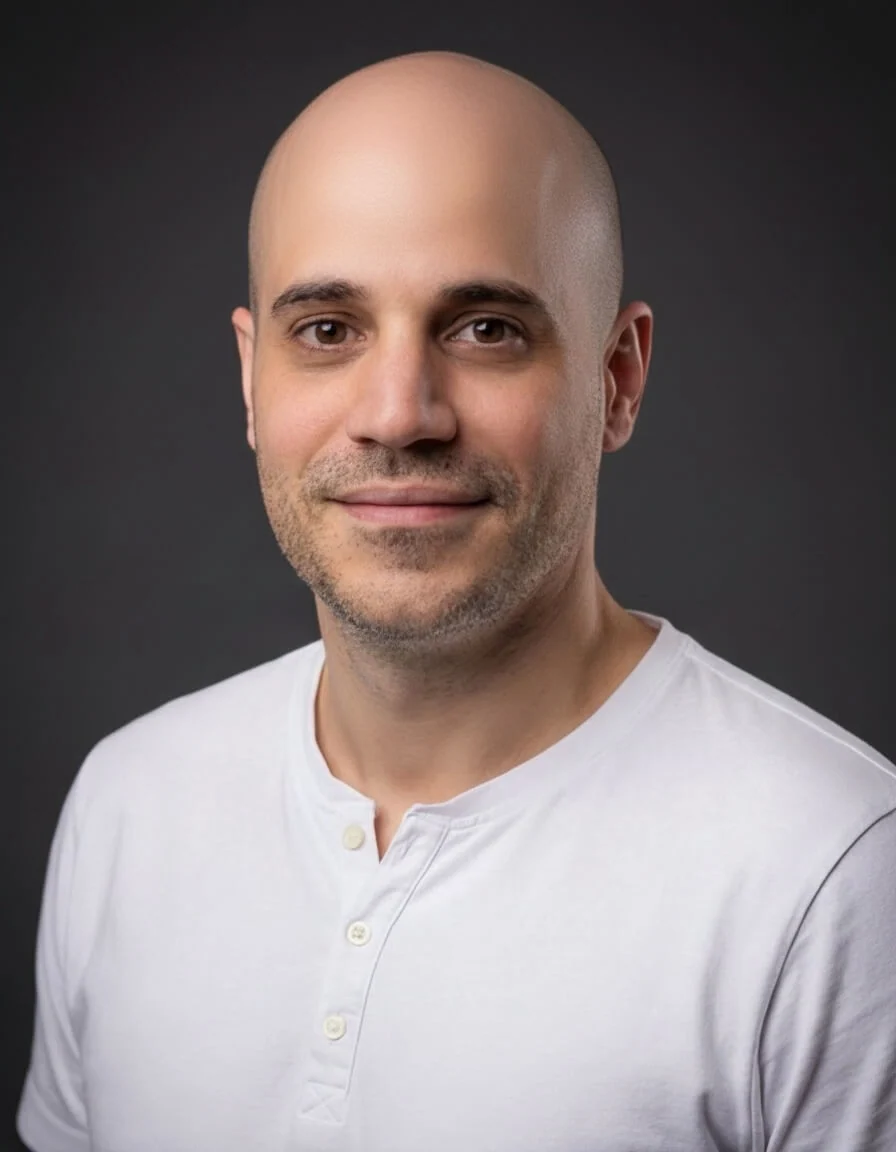
The facial features edit lets you make subtle adjustments to your face — change your expression, add or remove facial hair, or hide teeth. The modifications are designed to look natural.
How It Works
- Open a headshot in the Magic Editor
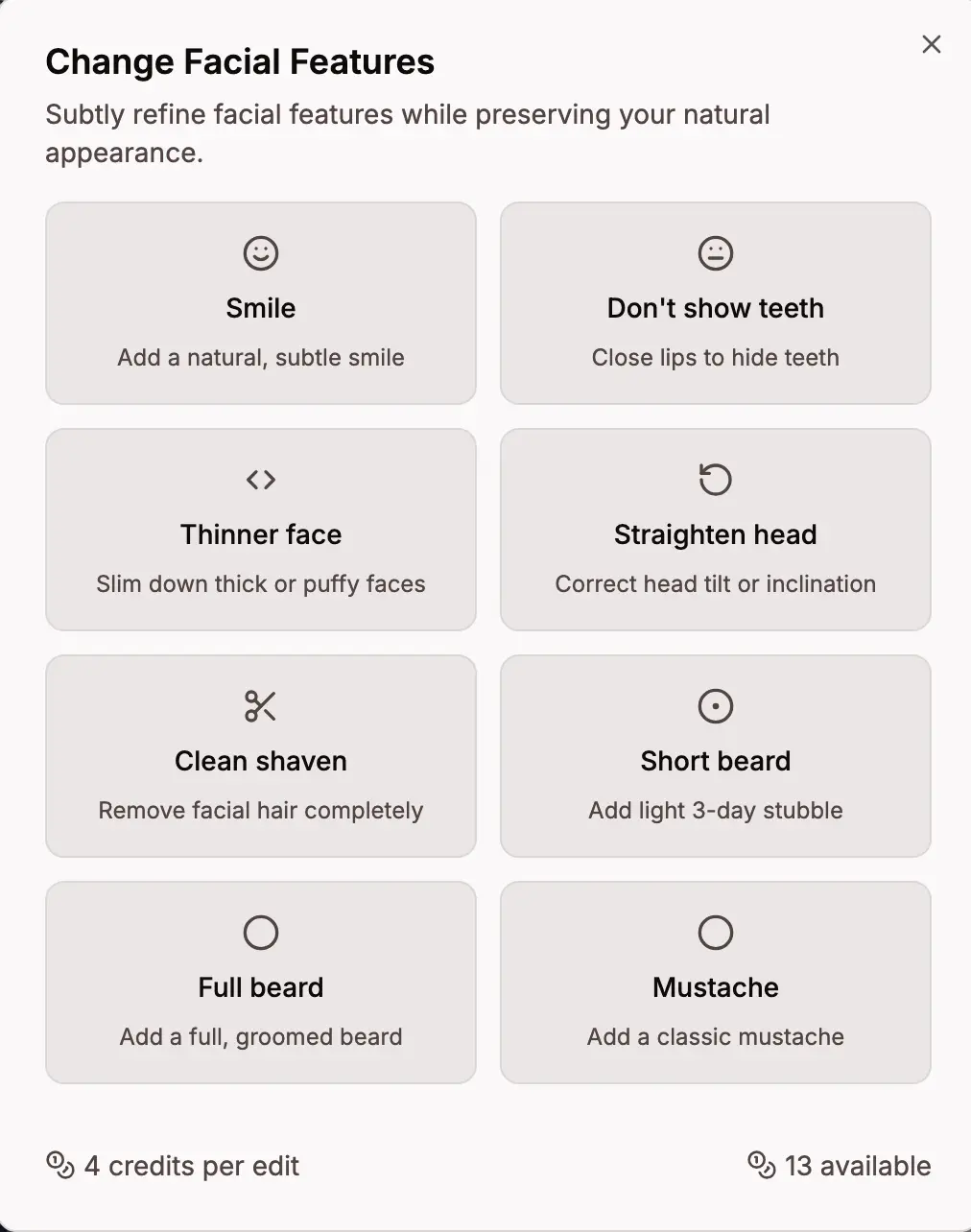
- Click Change facial features
- Select the modification you want from the grid
Available Modifications
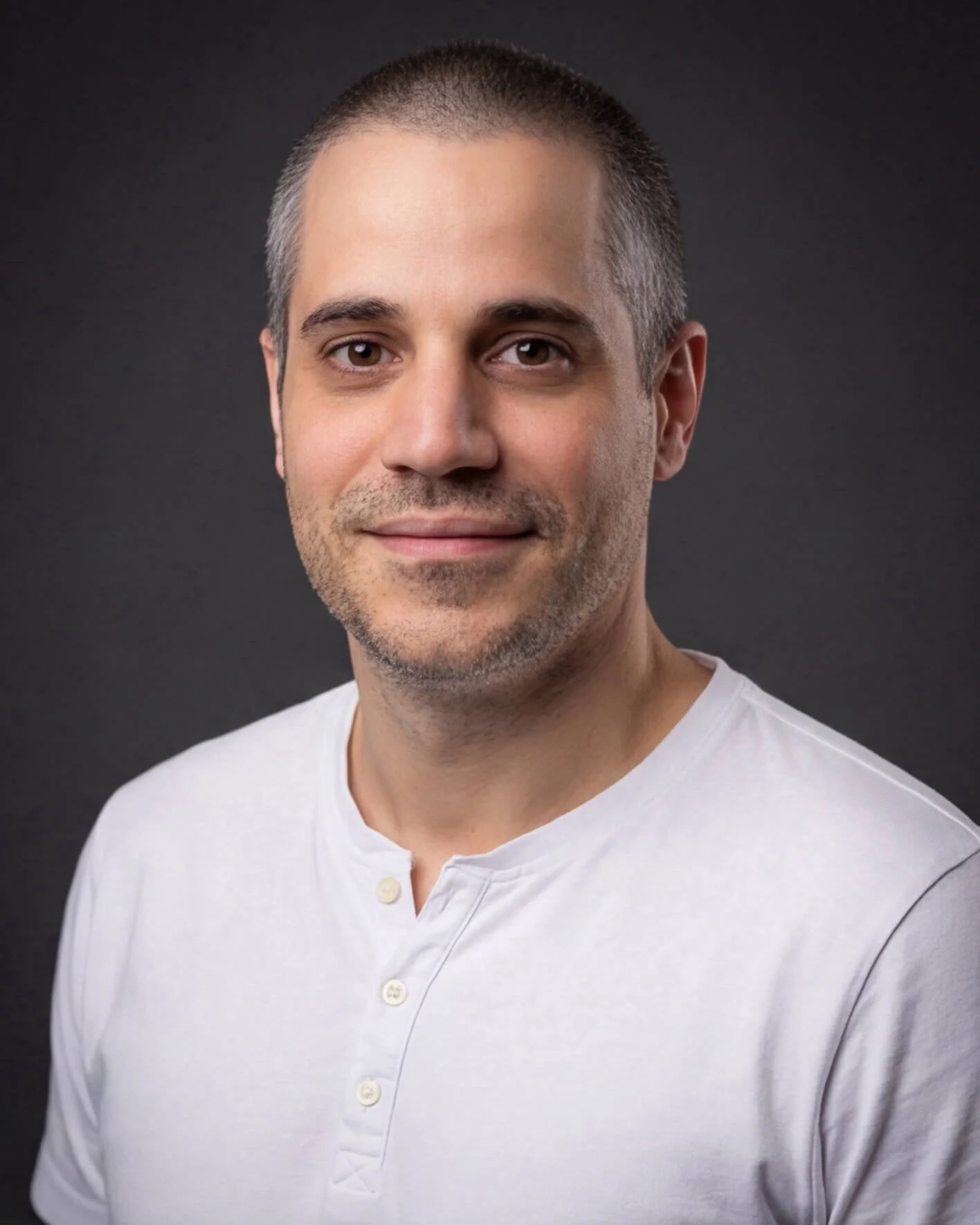
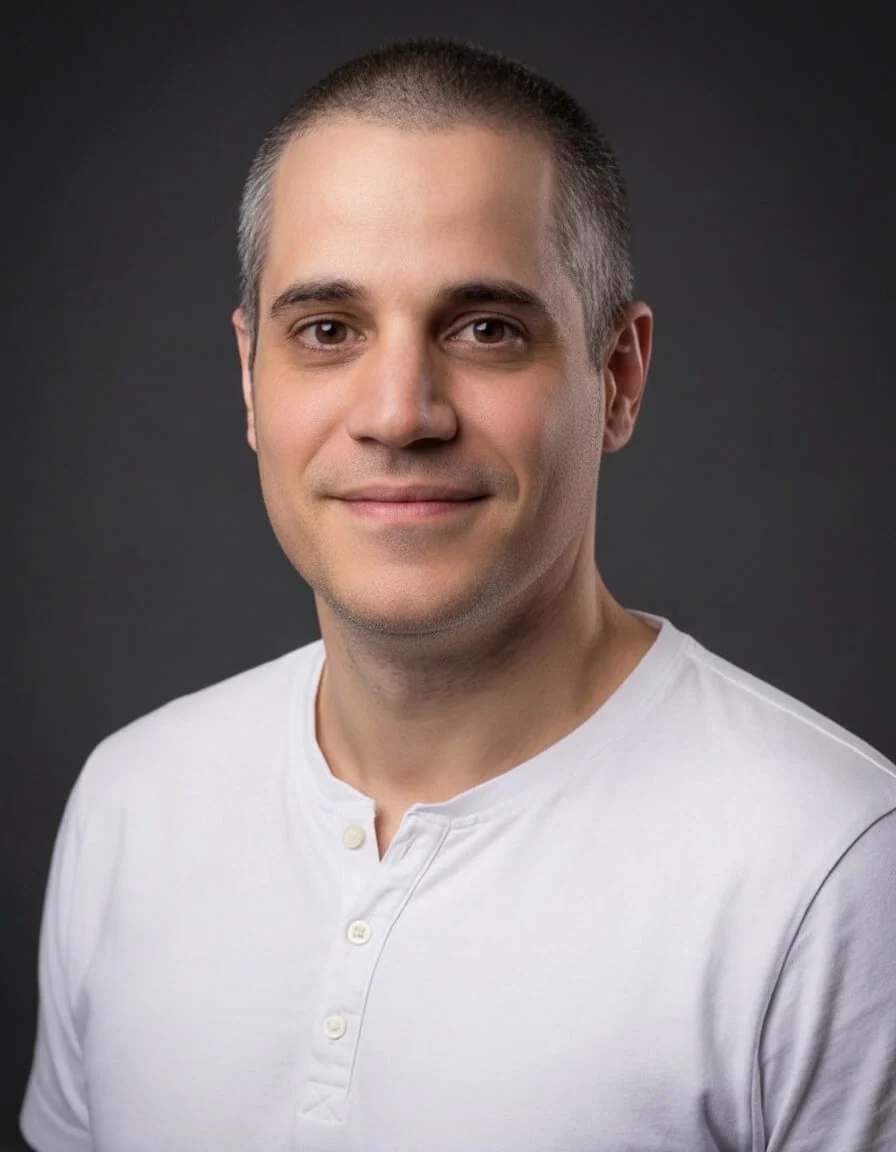
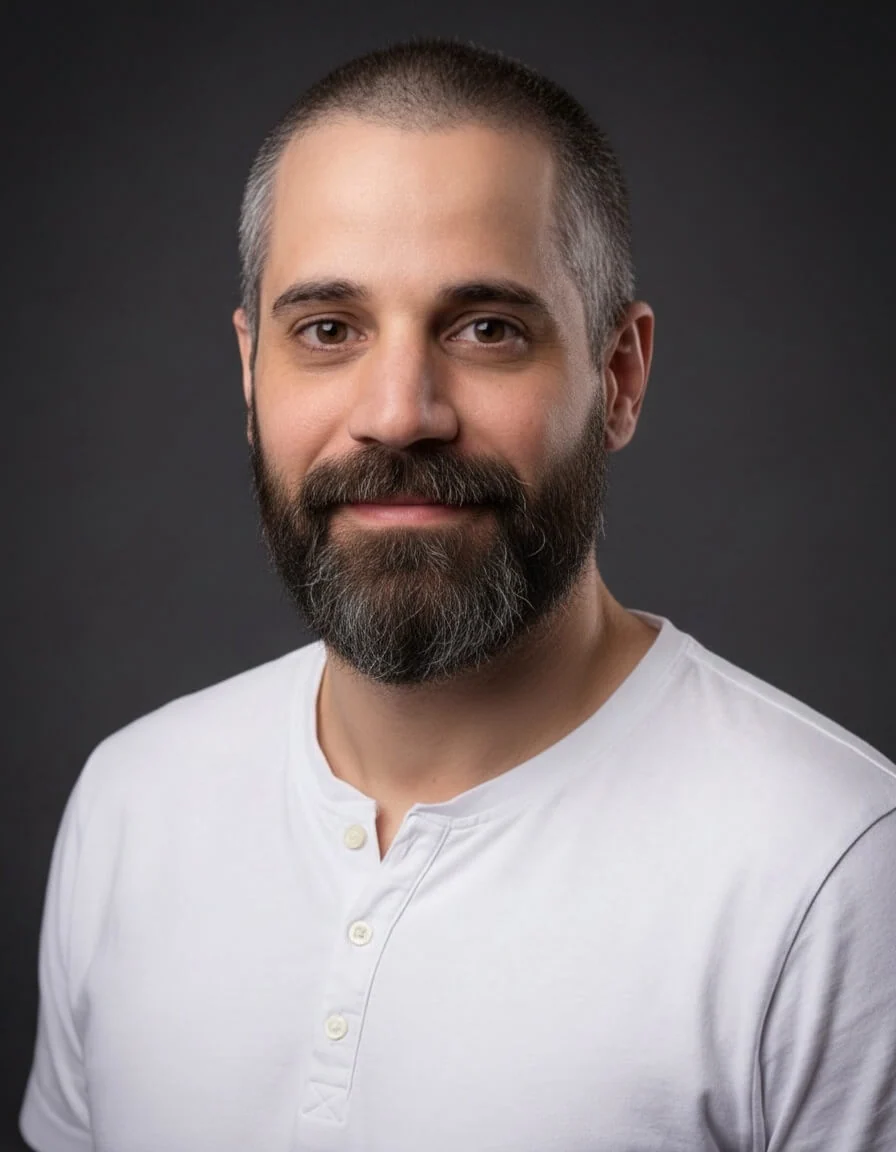
- Clean Shaven - remove all facial hair
- Short Beard - add light 3-day stubble
- Full Beard - add a full, groomed beard
- Mustache - add a classic mustache
- Smile - add a natural, subtle smile
- No Teeth - close lips to hide teeth
- Look Straight - turn to face and look directly into the camera
- Straighten Head - correct head tilt or inclination
Credits
- 2 credits per facial feature edit