

Kameraposition
Bildausschnitt und Winkel des Bewerbungsfotos ändern
 Geschrieben von Loris Siegenthaler · Gründer
 1 Min. Lesezeit
Aktualisiert am 6. Juni 2026
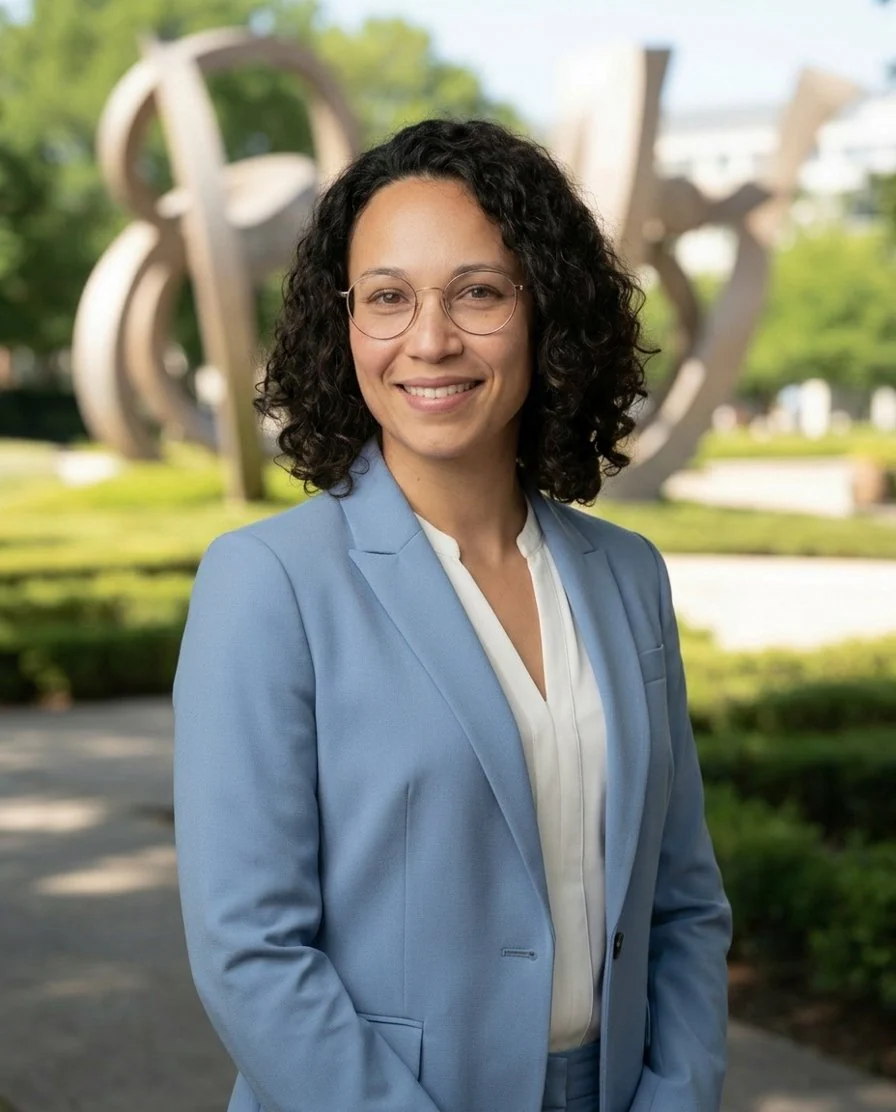
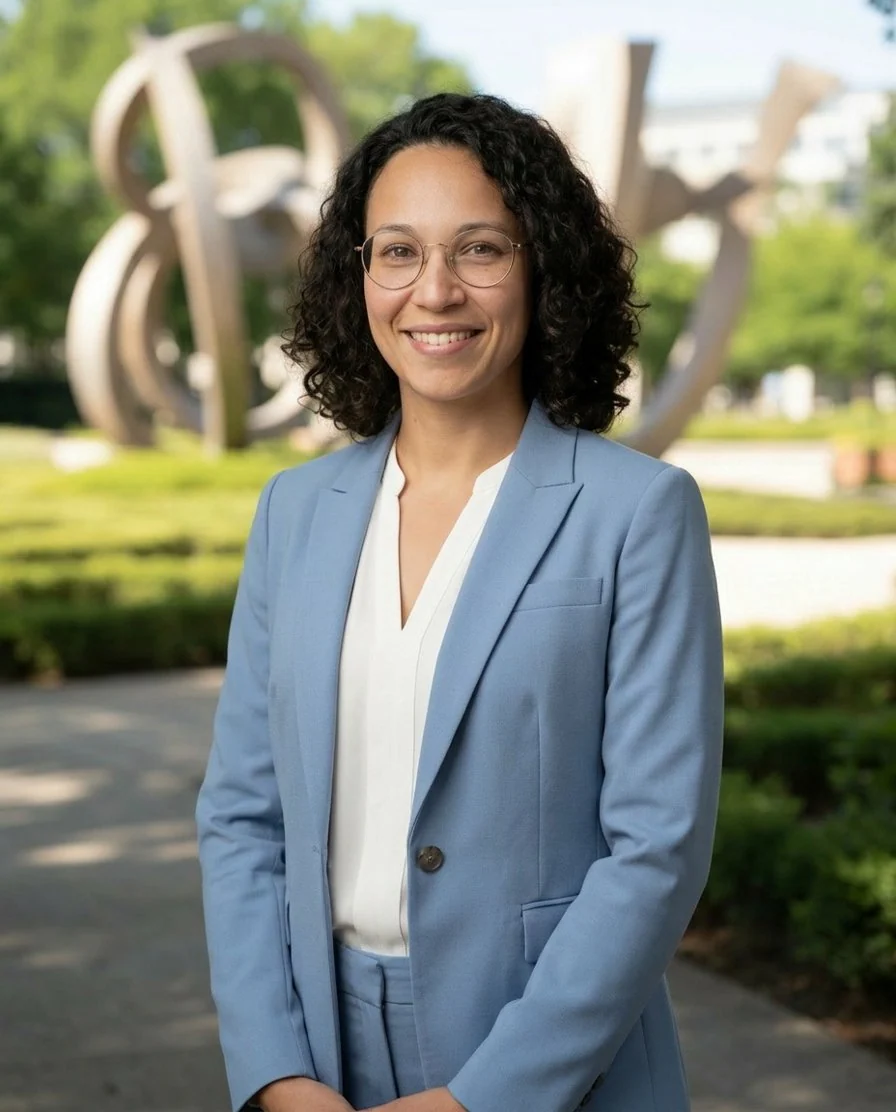
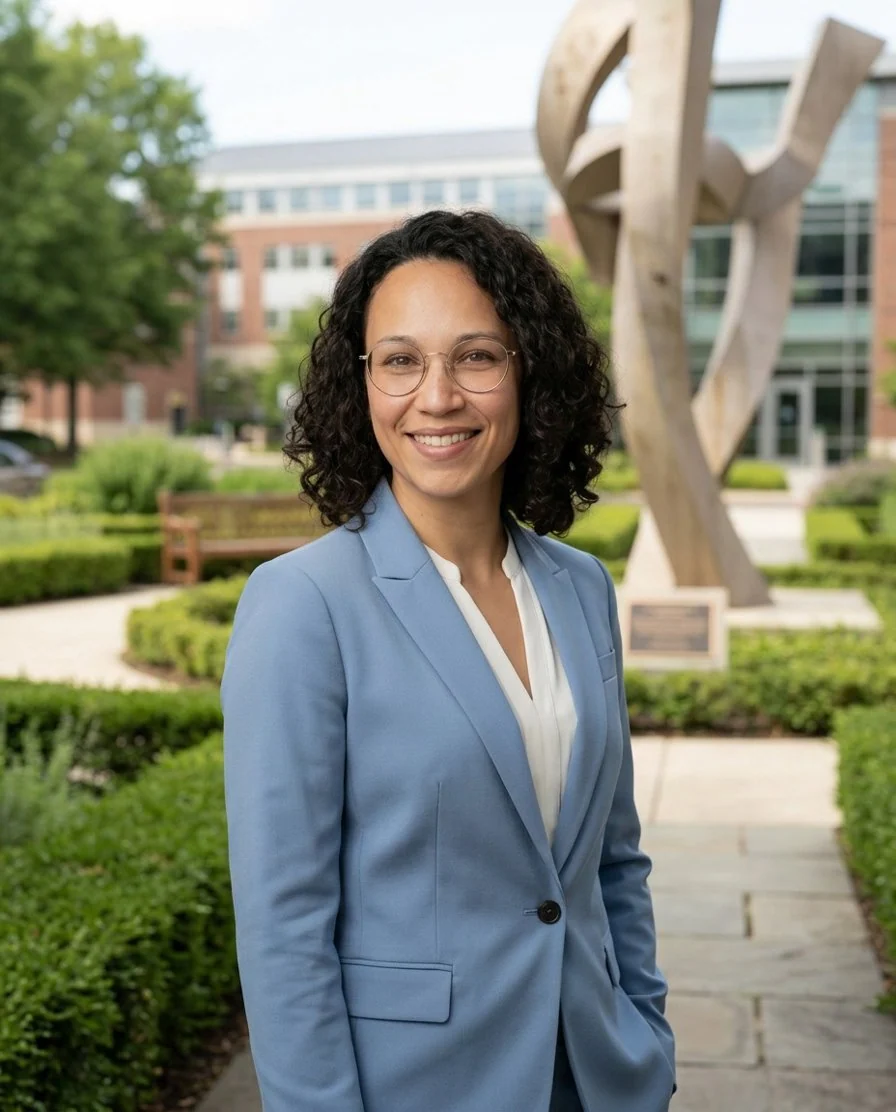
Die Kamerapositions-Bearbeitung zeigt das Bewerbungsfoto aus einer anderen Perspektive – herauszoomen, um mehr vom Körper zu zeigen, oder den Winkel komplett ändern.
So funktioniert es
- Ein Bewerbungsfoto im Magic Editor öffnen
- Auf Kameraposition ändern klicken
- Den gewünschten Bildausschnitt wählen
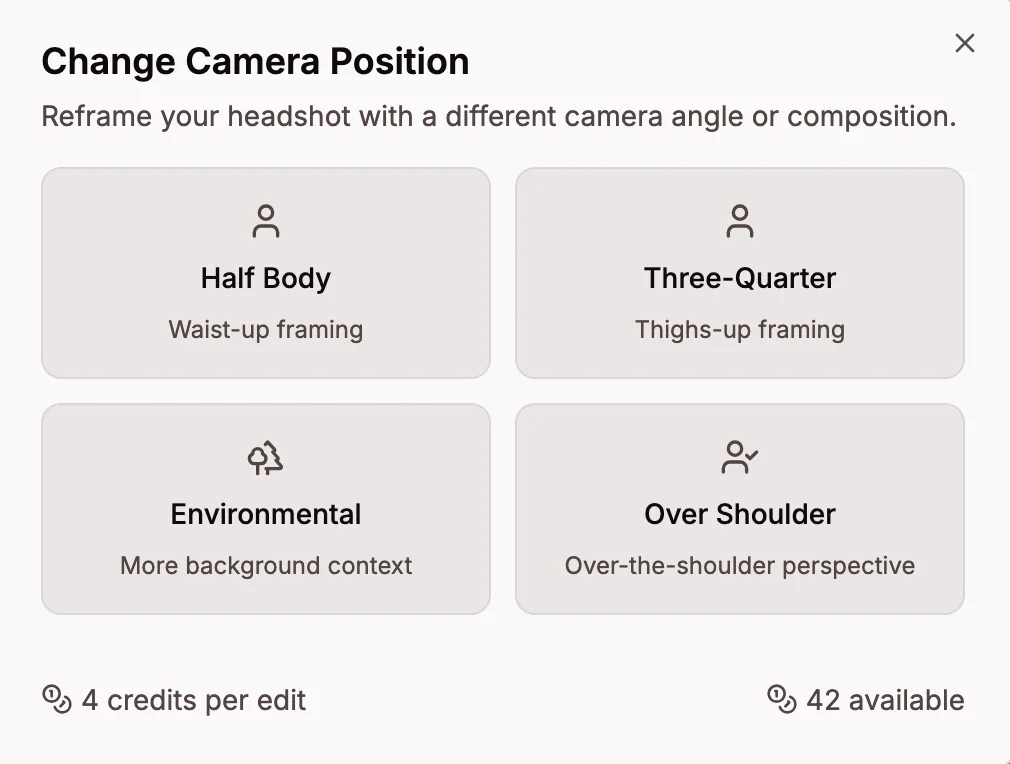
Verfügbare Positionen
- Halbkörper – Bildausschnitt bis zur Hüfte, zeigt mehr vom Outfit
- Ganzkörper – Bildausschnitt von Kopf bis Fuss, zeigt die ganze Figur
- Umgebungsaufnahme – Weitwinkelaufnahme mit mehr Hintergrund
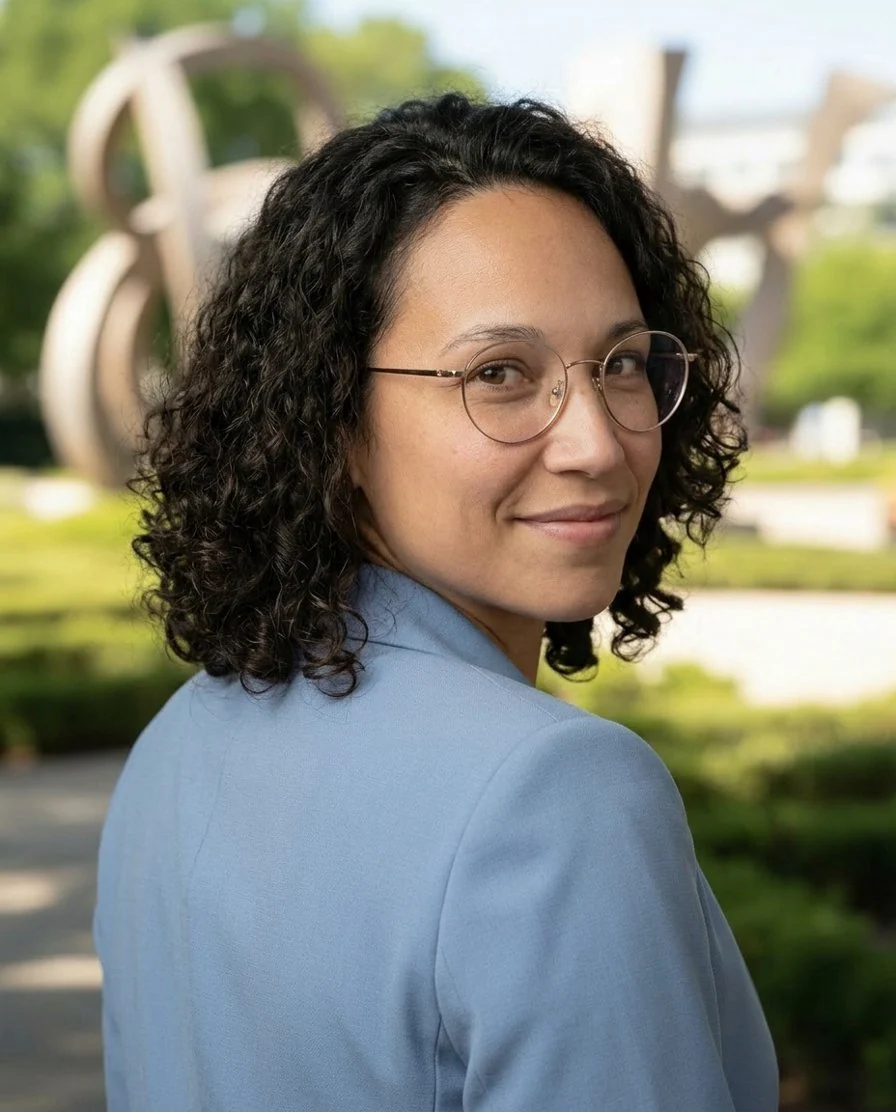
- Über die Schulter – Aufnahme von hinten mit Blick über die Schulter
Credits
- 2 Credits pro Kamerapositionswechsel