

Change Outfit
Swap the clothing in your headshot to a different style
 Written by Loris Siegenthaler · Founder
 2 min read
Updated 6 June 2026
The outfit swap replaces the clothing in your headshot with a different style. The AI seamlessly integrates the new outfit while maintaining your natural pose and body language.
How It Works
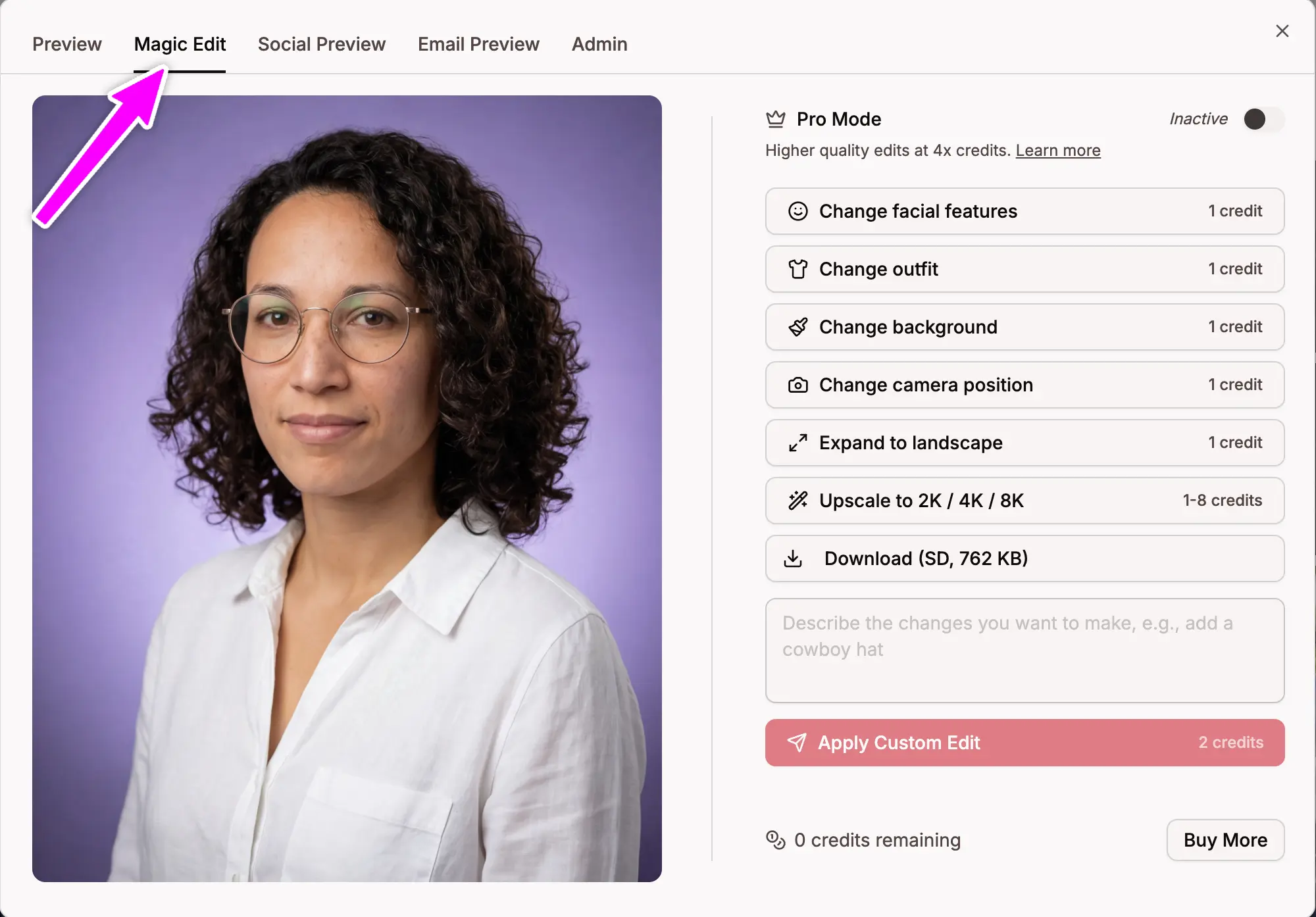
- Open a headshot in the Magic Editor
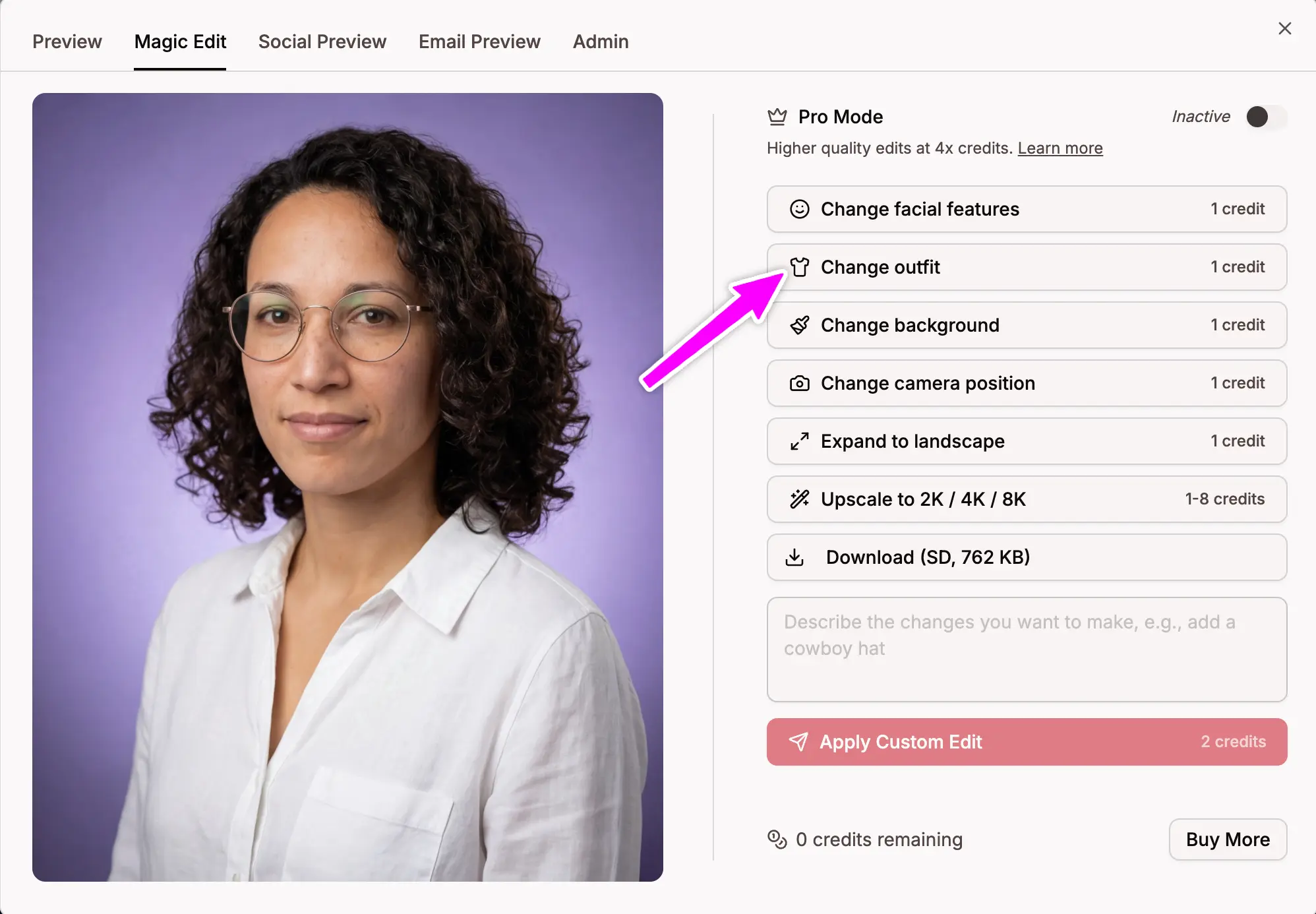
- Click Change outfit
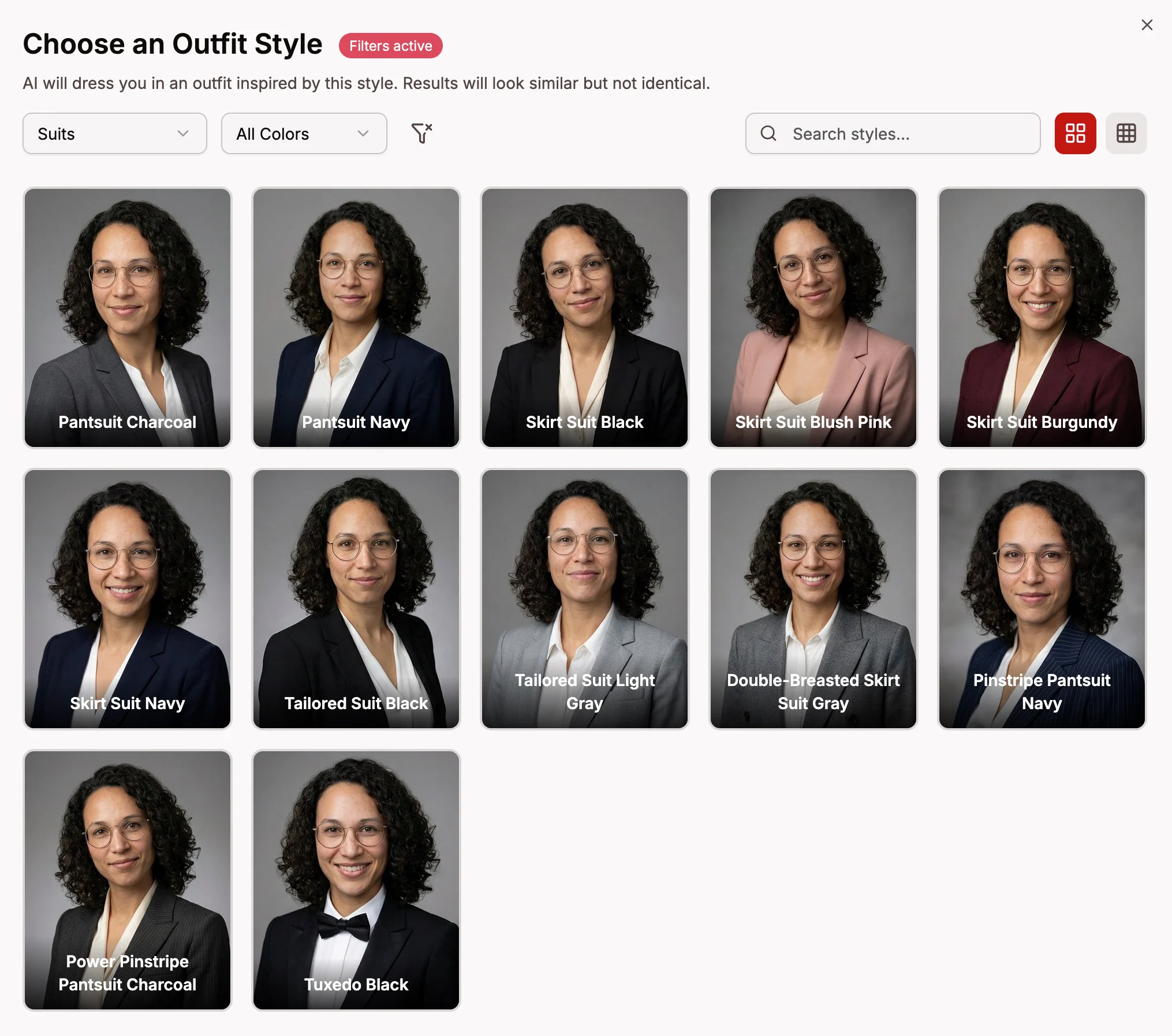
- Browse the available outfit styles (filtered by your gender)
- Select the one you want
The result is AI-generated — the outfit is inspired by the style you selected, not a photoshopped composite.
Outfit Categories
- Shirts, Polos, T-Shirts — casual and smart-casual options
- Sweaters, Blazers, Suits — formal and business attire
- Uniforms, Sports, Education — industry-specific looks
You can filter outfits by color (black, white, navy, blue, etc.) to find exactly what you're looking for.
Credits
- 2 credits per outfit change