

Expand to Landscape
Convert your portrait headshot to a 16:9 landscape format
 Written by Loris Siegenthaler · Founder
 1 min read
Updated 6 June 2026
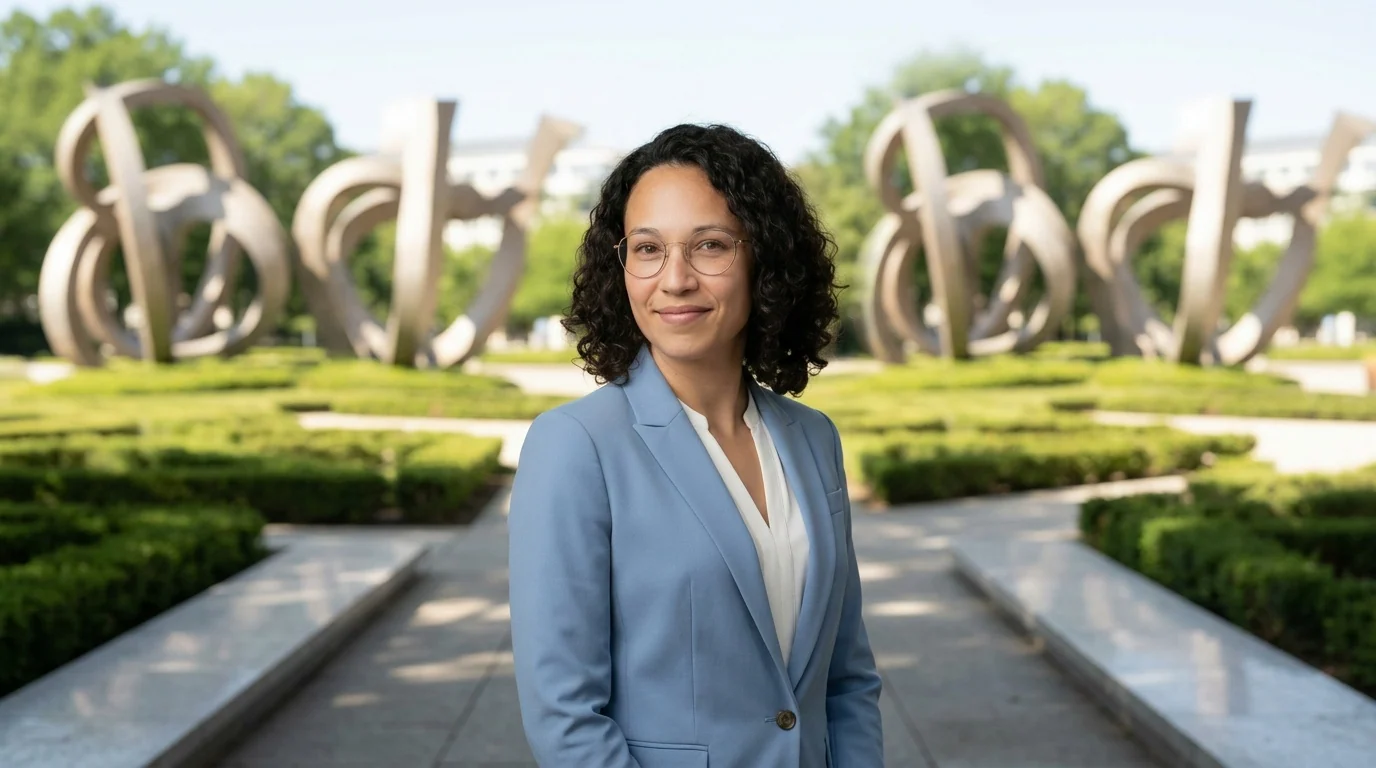
The expand edit converts your portrait headshot into a 16:9 landscape format — perfect for LinkedIn banners, website headers, presentation slides, or cover photos.
How It Works
- Open a headshot in the Magic Editor
- Click Expand to landscape
- Choose where you want to appear in the frame: left, center, or right
- A preview shows the 16:9 result before you confirm
- Click Expand Image to apply
The AI extends the background to fill the wider frame while keeping you in your chosen position.
Position Options
- Left — you on the left side, open space on the right
- Center — you centered in the frame (recommended)
- Right — you on the right side, open space on the left
Want to change the framing vertically instead? Use the Camera Position options — Half Body or Full Body — to zoom out and show more of your body.
Credits
- 4 credits per expand — the expanded image is rendered at full 4K resolution