

Using Multiple Profiles
How to create multiple profiles under one account for different people or looks
 Written by Loris Siegenthaler · Founder
 2 min read
Updated 14 April 2026
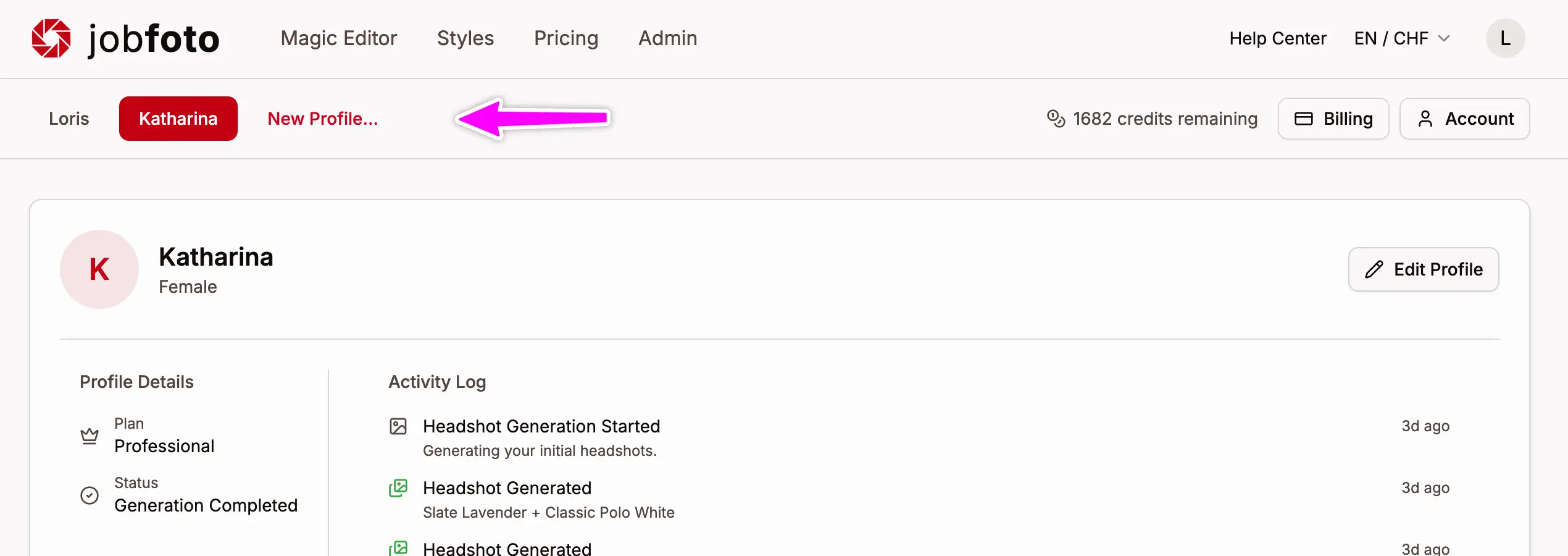
A Jobfoto profile represents one person's headshot set generated from their photos. You can create multiple profiles under a single account - useful for families or if you want separate headshot sets with different looks.
How Profiles Work
Each profile is independent:
- Separate photos - each profile has its own uploaded reference photos
- Separate plan - each profile requires its own plan (Basic, Professional, or Executive)
- Separate headshots - generated headshots belong to the profile they were created for
- Shared credits - Magic Editor credits belong to your account and can be used across all profiles
Creating a New Profile
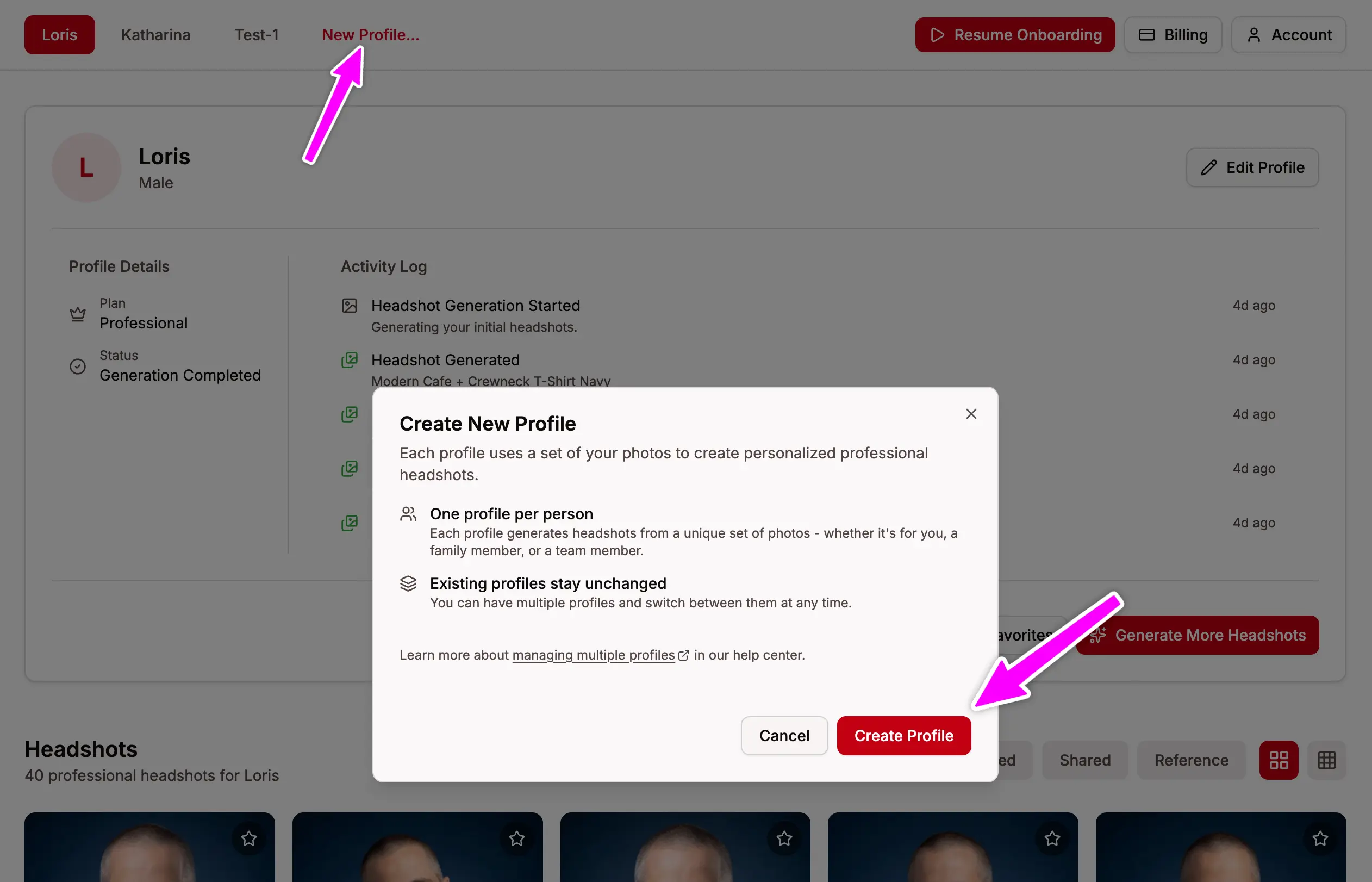
To create an additional profile, go to the Profiles page and click New Profile. You'll go through the same setup process: choose a plan, upload photos, select styles, and generate headshots.
Profile Limits
There is no hard limit on the number of profiles per account. Each profile is billed separately and follows the same 30-day expiry policy.