

Uploading Your Photos
How to upload or capture your reference photos and what makes a good photo
 Written by Loris Siegenthaler · Founder
Jobfoto needs a few clear selfies of your face to generate headshots. You can upload files from your device or use mobile capture for a guided experience.
Two Ways to Add Photos
Option A: Mobile Capture
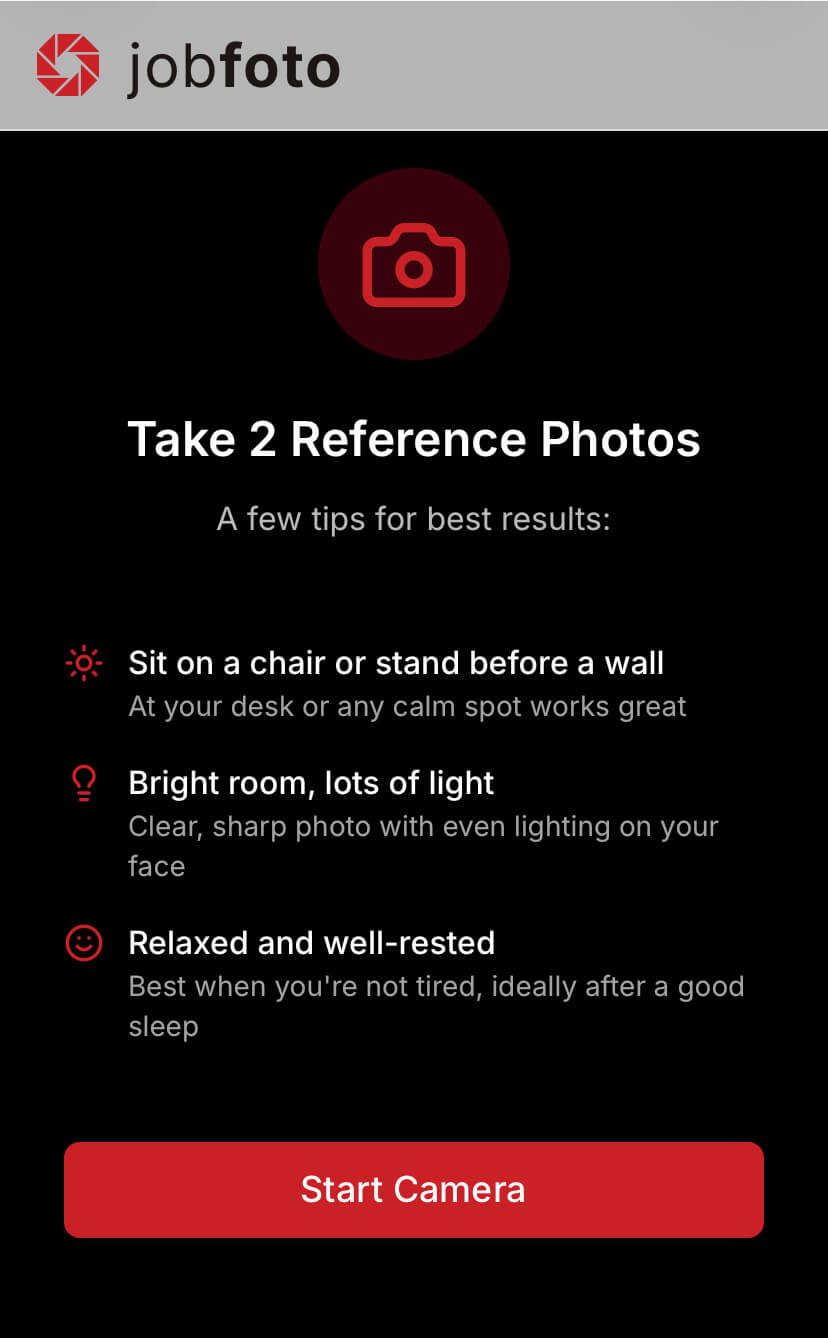
On mobile, you're guided through a step-by-step capture experience with on-screen prompts for angles and expressions, plus a face guide overlay to help you position yourself correctly.
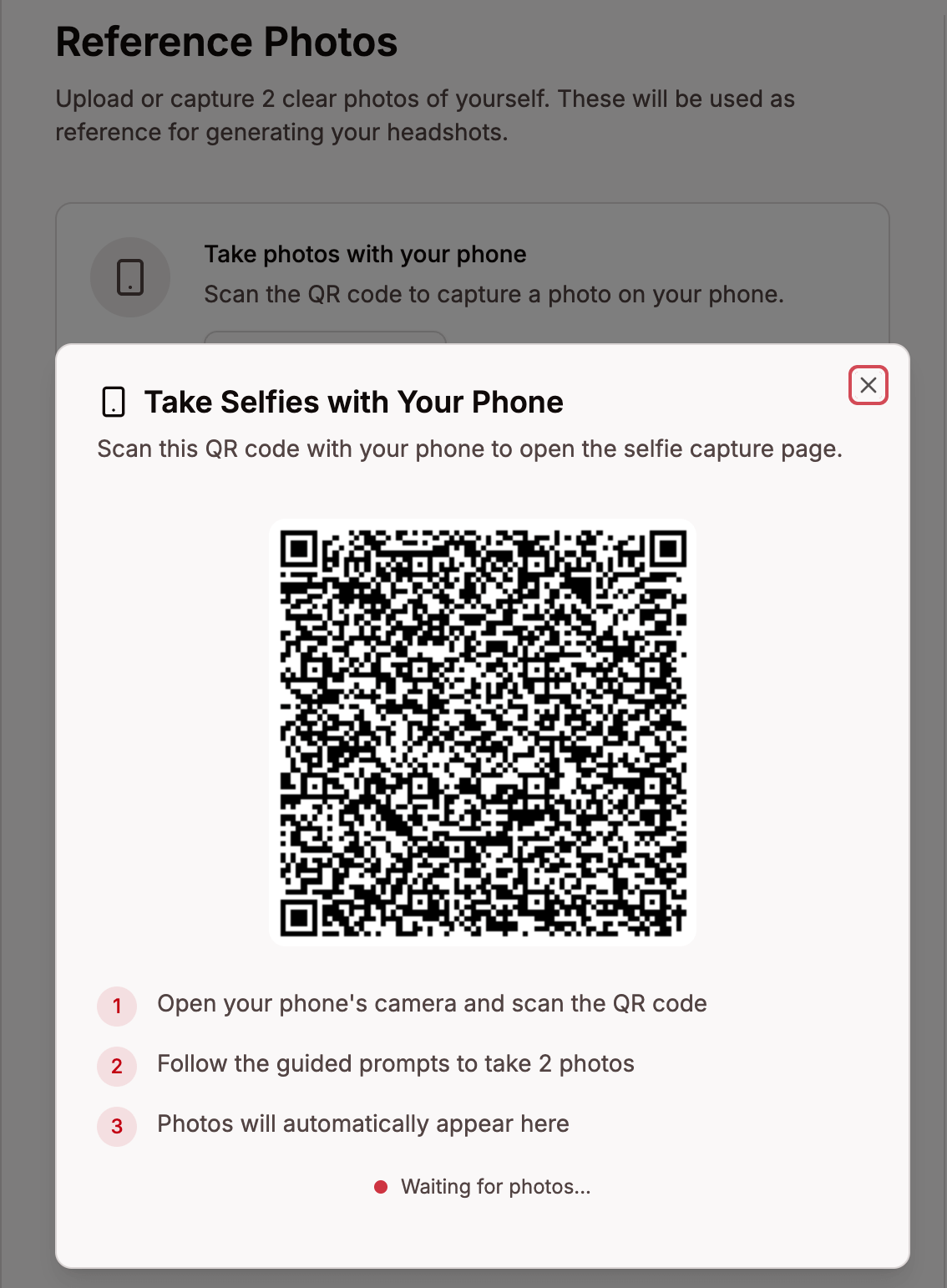
On desktop, click Start capture to get a QR code. Scan it with your phone to open the guided capture — your photos sync back to the desktop automatically.
Option B: File Upload
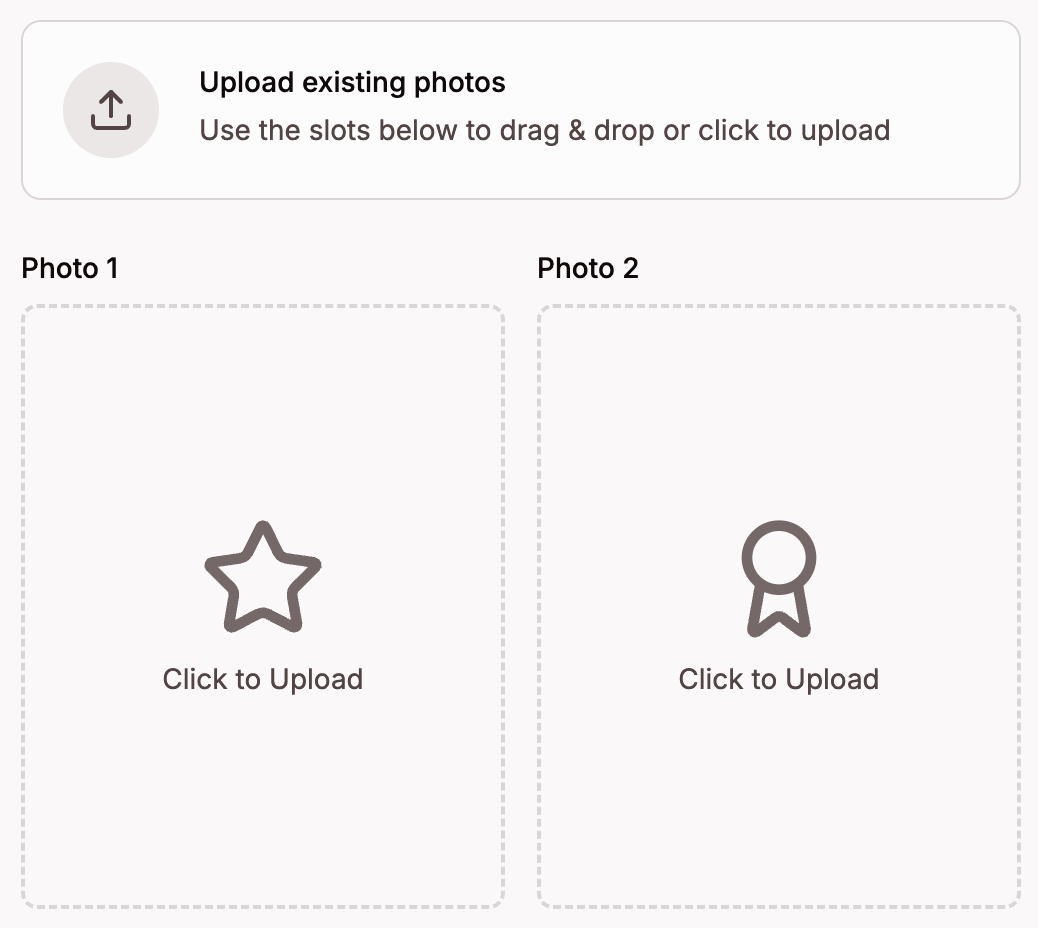
Drag and drop photos onto the upload area, or click to browse your files. Pick your two best photos — clear selfies with natural side light where your face is fully visible work best. Supported formats: JPEG, PNG, HEIC, and HEIF.
Quality Guidance
Every photo you upload is automatically scored for quality on a 0–100 scale:
- 85+ (green) — Excellent Quality
- 70–84 (green) — Good Quality, ready to use
- 60–69 (orange) — Okay Quality, usable but has minor issues
- 50–59 (amber) — Low Quality, consider replacing for better results
- Below 50 (red) — Unusable, upload a different photo
Click on any photo to see its score, a detailed quality assessment, and suggestions for improvement. Only photos scoring 50 or above are used for headshot generation.
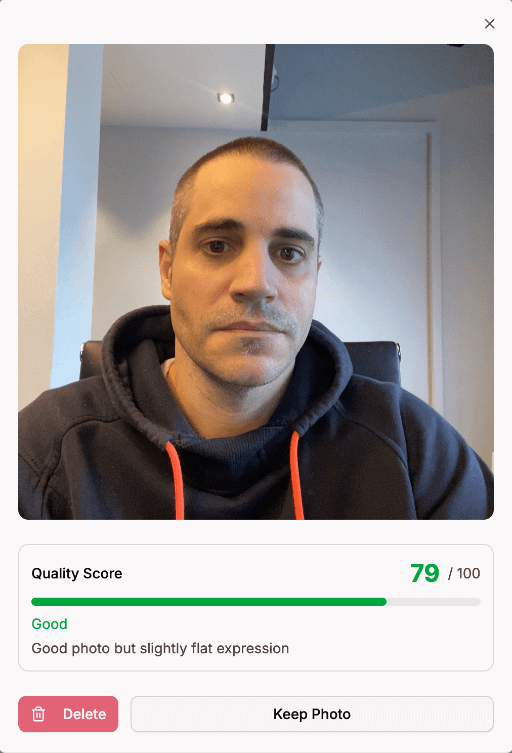
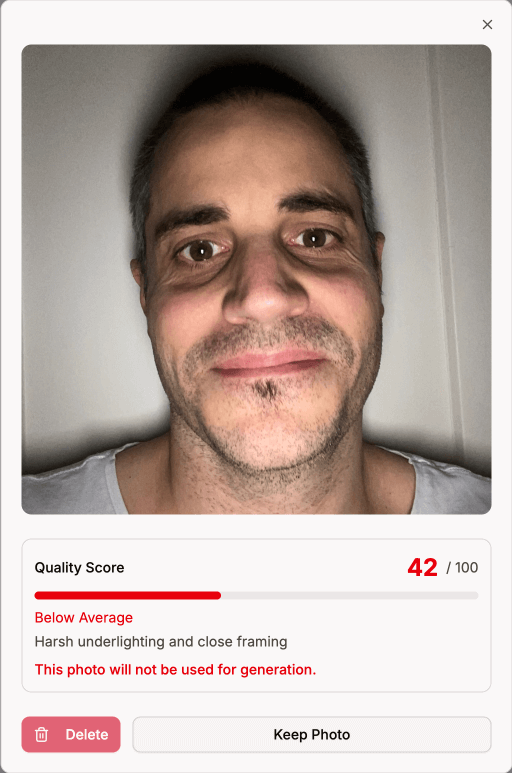
Photo Requirements
Better input photos lead to better headshots. Follow these tips to get the most out of your session:
- Side light - face a window or light source at a slight angle so light falls from one side, avoid direct sunlight or flash
- Stand up, camera at eye level - standing gives the best angle, hold your phone at arm's length to avoid distortion
- Keep hands away from your face - hands or objects near the face can interfere with AI editing
- Groom yourself - style your hair, trim or shape your beard, and put on makeup the way you'd like to appear in your headshots
- Closed-mouth expression - a calm, natural look works best, avoid showing teeth or making unnatural expressions