

Generating headshots
What happens after you submit your combinations, and how to review your results
 Written by Loris Siegenthaler · Founder
 2 min read
Updated 2 March 2026
Once you've chosen your combinations of backgrounds and outfits, Jobfoto generates your headshots. Each combination produces 12 unique variations with different poses, facial expressions, and lighting.
What to expect
- Generation usually takes a few minutes
- You'll get a notification when your headshots are ready
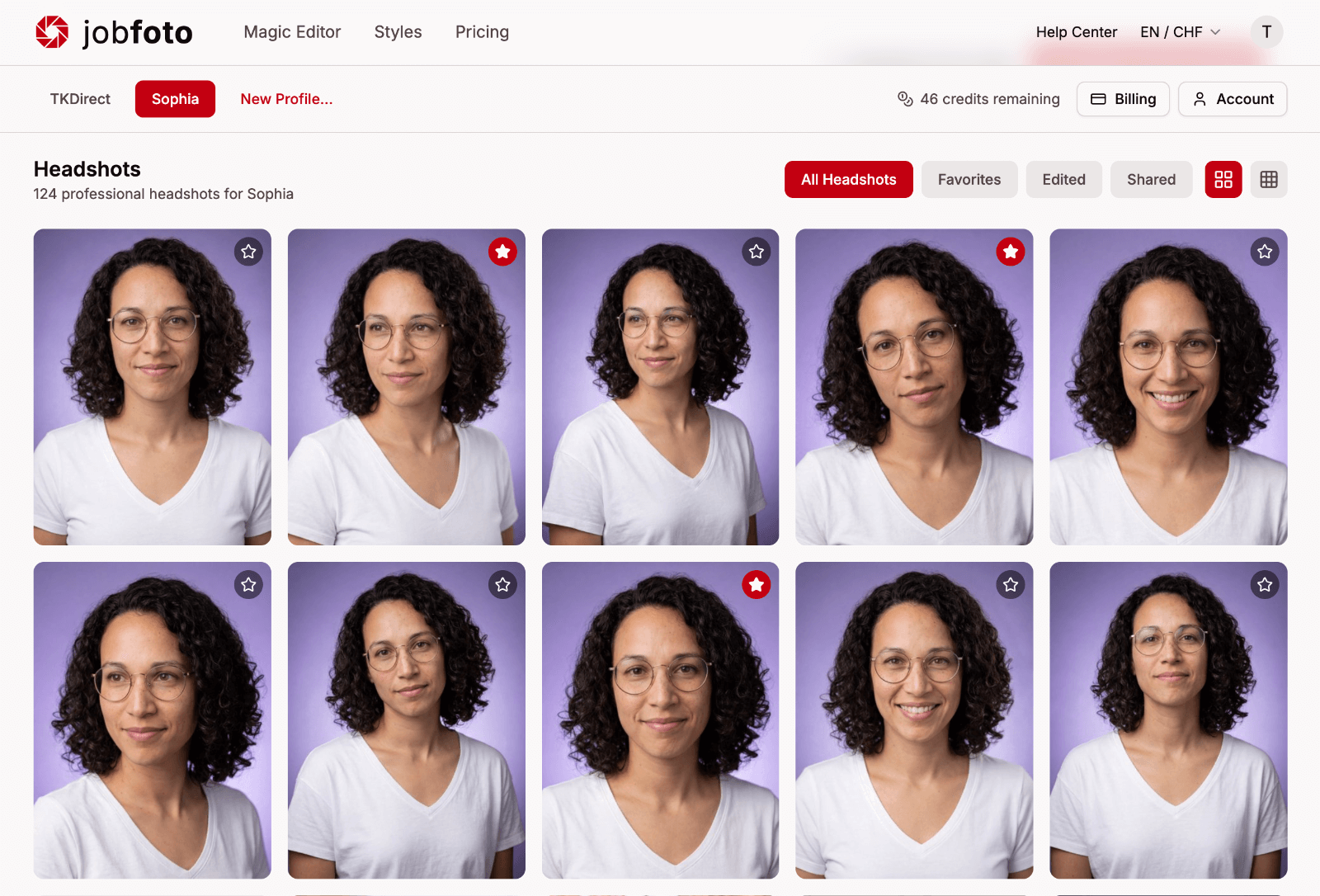
- Results appear in your profile's gallery
AI isn't perfect – not every image will be perfect, but there'll be enough strong headshots in the mix.
Reviewing results
Browse your generated headshots and mark your favorites with the star. You can:
- Select a headshot to view it larger
- Mark headshots as favorites so you can find them easily later
Generating more
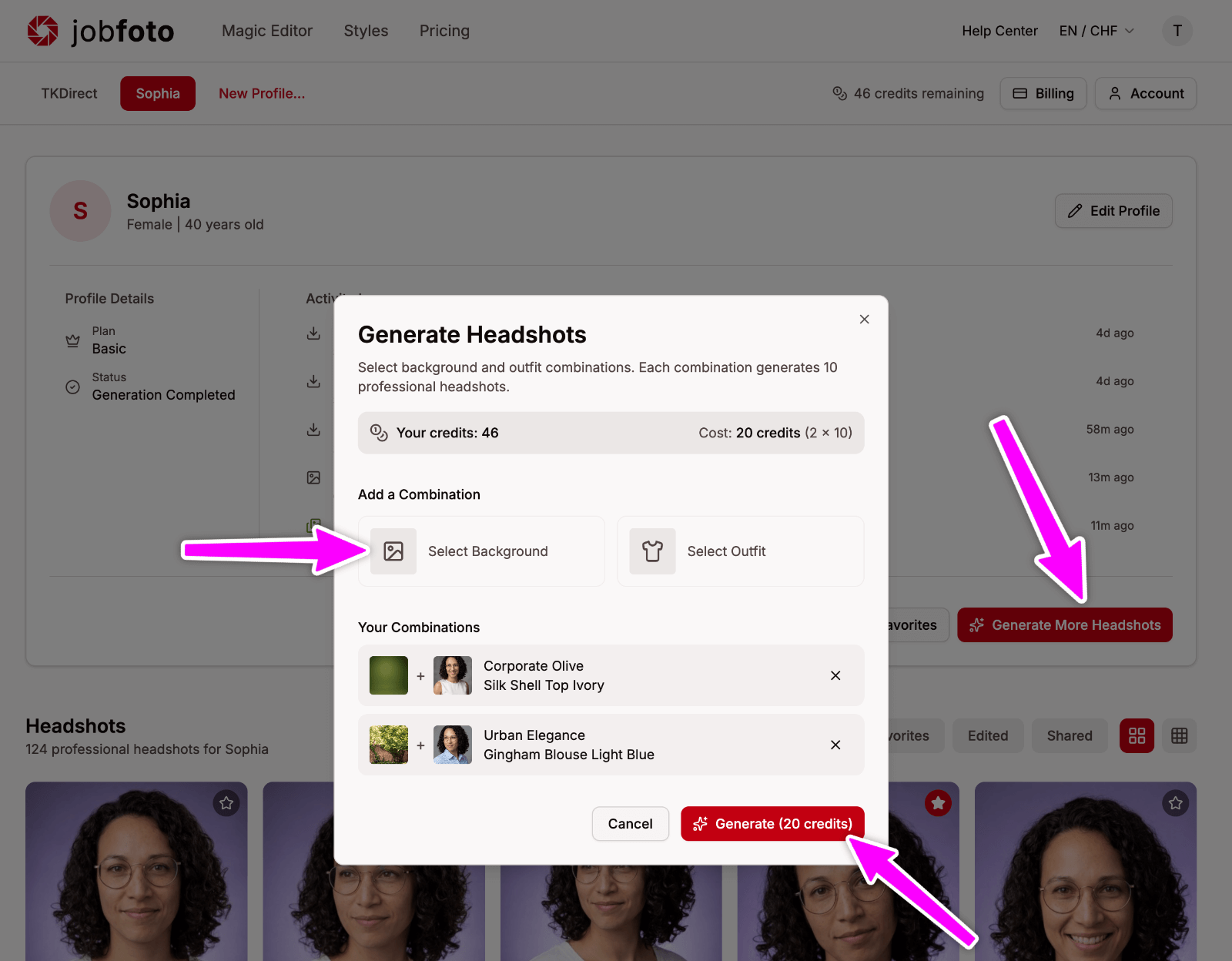
With Professional and Executive, you can generate more combinations any time. Go to your profile, pick new combinations of backgrounds and outfits, and generate again.
- Basic: 3 combinations total (36 headshots)
- Professional: 5 combinations total (60 headshots)
- Executive: 10 combinations total (120 headshots)
If generation fails
In rare cases, generation can fail. Your credits are automatically refunded, and you can try again immediately. See Generation failed for more details.