

Deleting Your Account
How to delete your Jobfoto account and all associated data
 Written by Loris Siegenthaler · Founder
You can permanently delete your Jobfoto account at any time. Draft profiles are automatically deleted when you close your account. Profiles with generated photos must be deleted manually first.
Prerequisites
The Delete Account button is disabled if you still have profiles with generated photos or if recently deleted profiles are still being cleaned up. You must delete all profiles with generated photos and wait for cleanup to finish before you can delete your account.
How to Delete Your Account
- Delete any profiles with generated photos first (see Deleting Your Profile)
- Go to Account Settings
- Scroll to the Danger Zone section
- Click Delete Account (enabled once all profiles are deleted and cleanup has finished)
- Confirm your decision
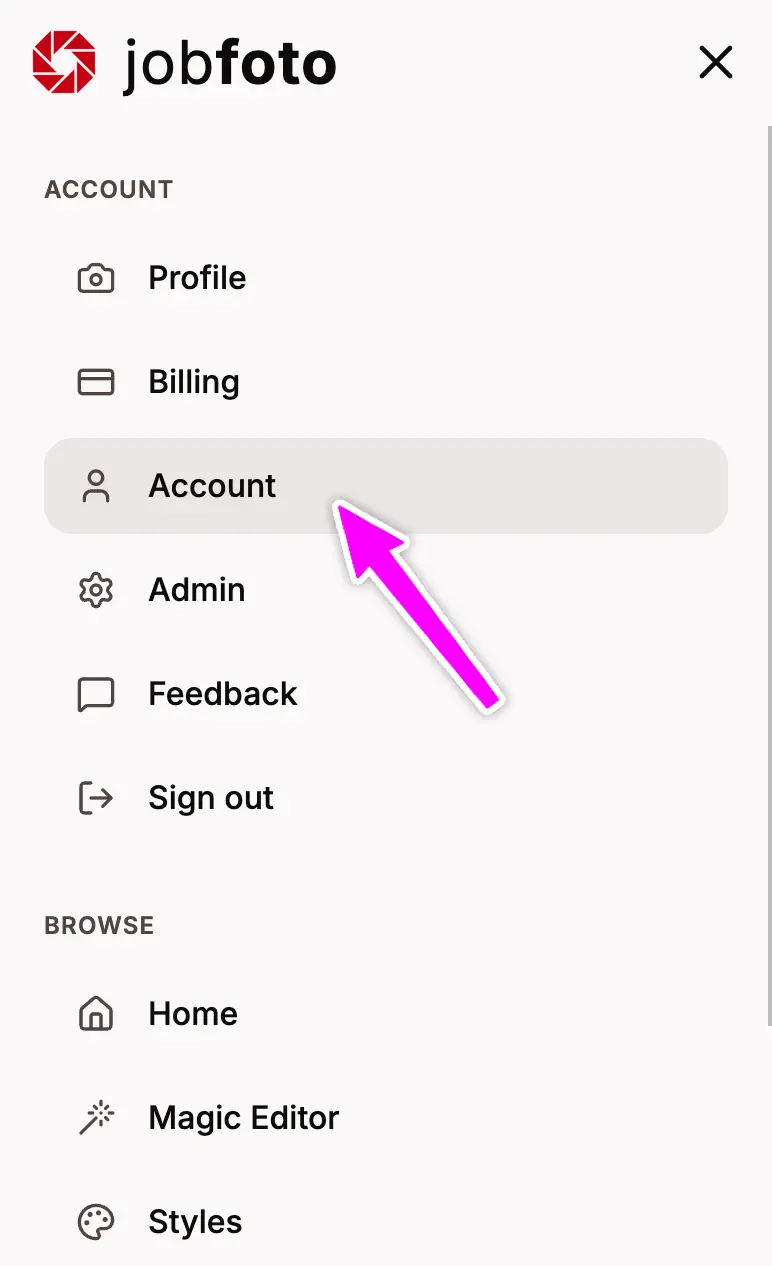
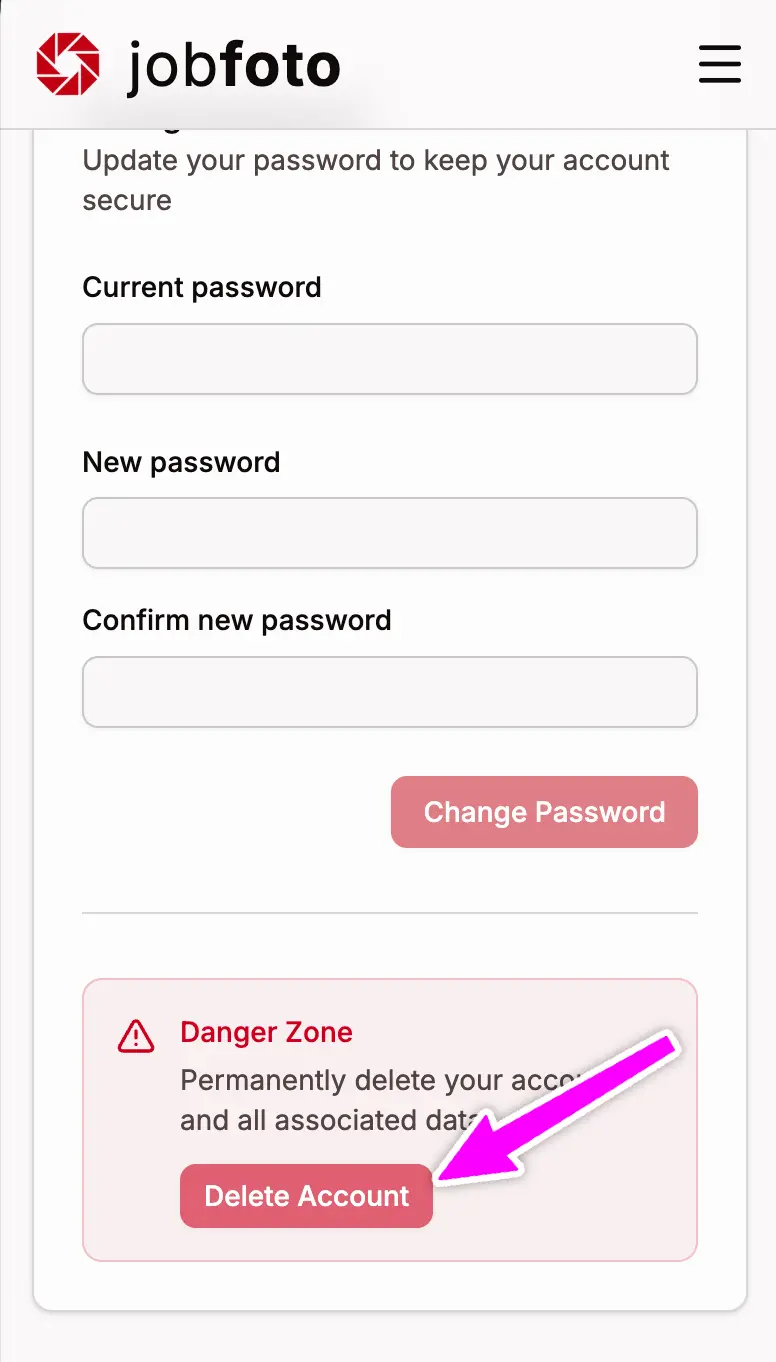
What Gets Deleted
Account Data
- Your account information and settings
- Any remaining Magic Editor credits
Profile Data (deleted separately)
Profile data - uploaded photos and generated headshots - is removed when you delete each profile.
Important Notes
- Deletion is permanent - we cannot recover your account or any associated data
- Unused credits are forfeited - they cannot be refunded or transferred
After Deletion
You can create a new Jobfoto account at any time using the same or a different email address. However, you'll start fresh with no previous data.
Need Help?
If you have questions about deletion or need assistance, visit our support page.