

Profil löschen
So wird ein Profil gelöscht und welche Daten entfernt werden
 Geschrieben von Loris Siegenthaler · Gründer
 2 Min. Lesezeit
Aktualisiert am 14. April 2026
Jedes Profil kann jederzeit gelöscht werden. Die Löschung ist dauerhaft und kann nicht rückgängig gemacht werden - die Bewerbungsfotos sollten vorher heruntergeladen werden.
Profil löschen
- Die Bearbeitungsseite des Profils öffnen
- Zum Abschnitt Gefahrenzone scrollen
- Auf Profil löschen klicken
- Im Bestätigungsfeld DELETE eingeben, um zu bestätigen
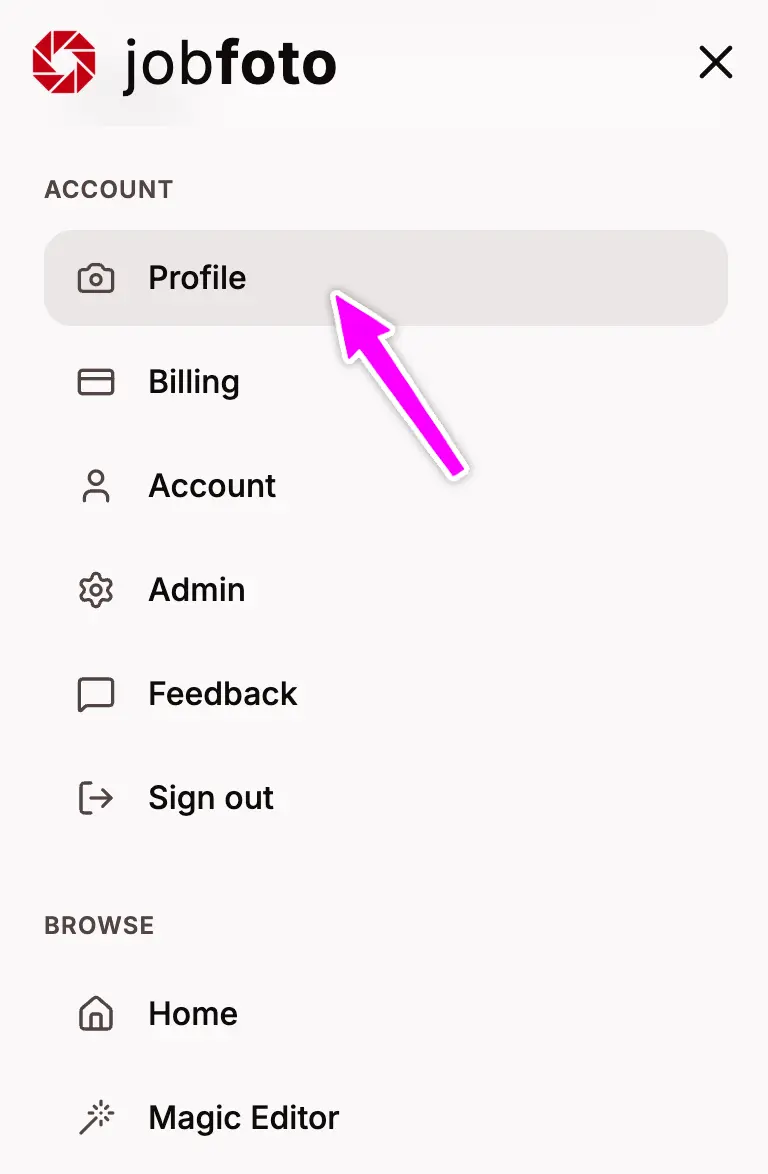
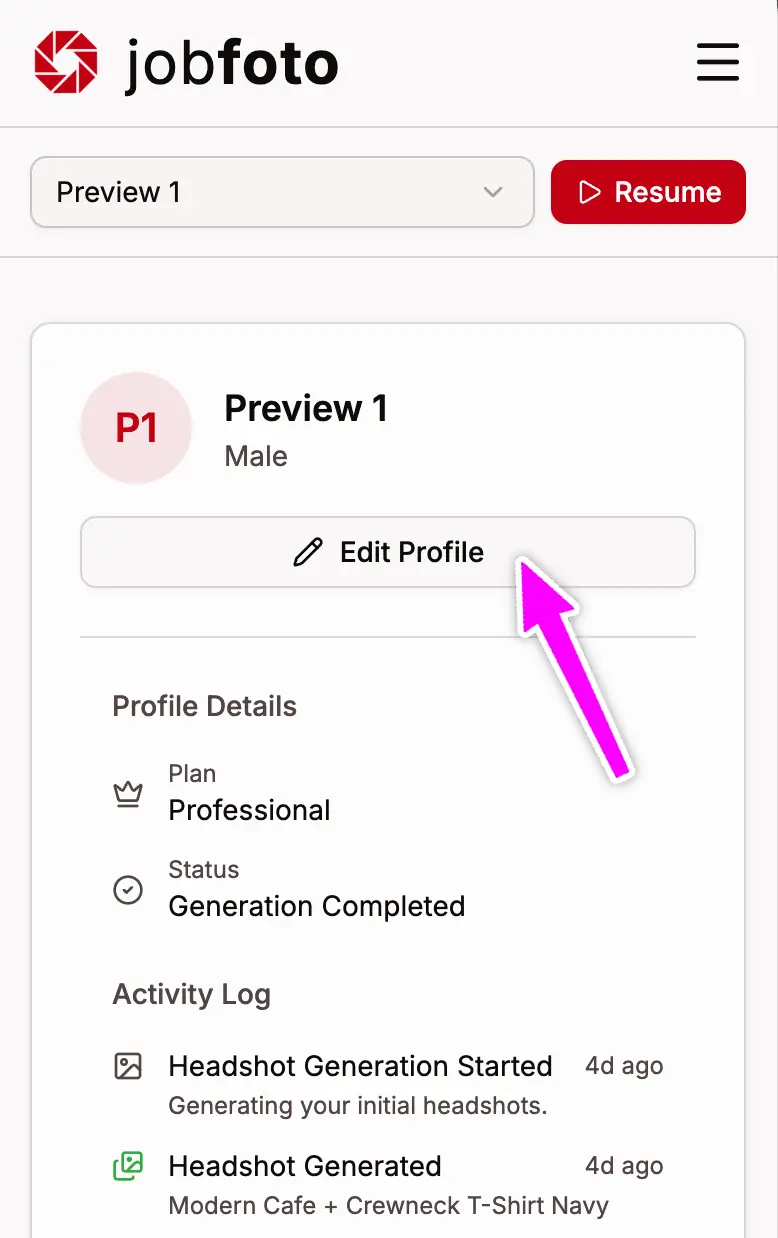
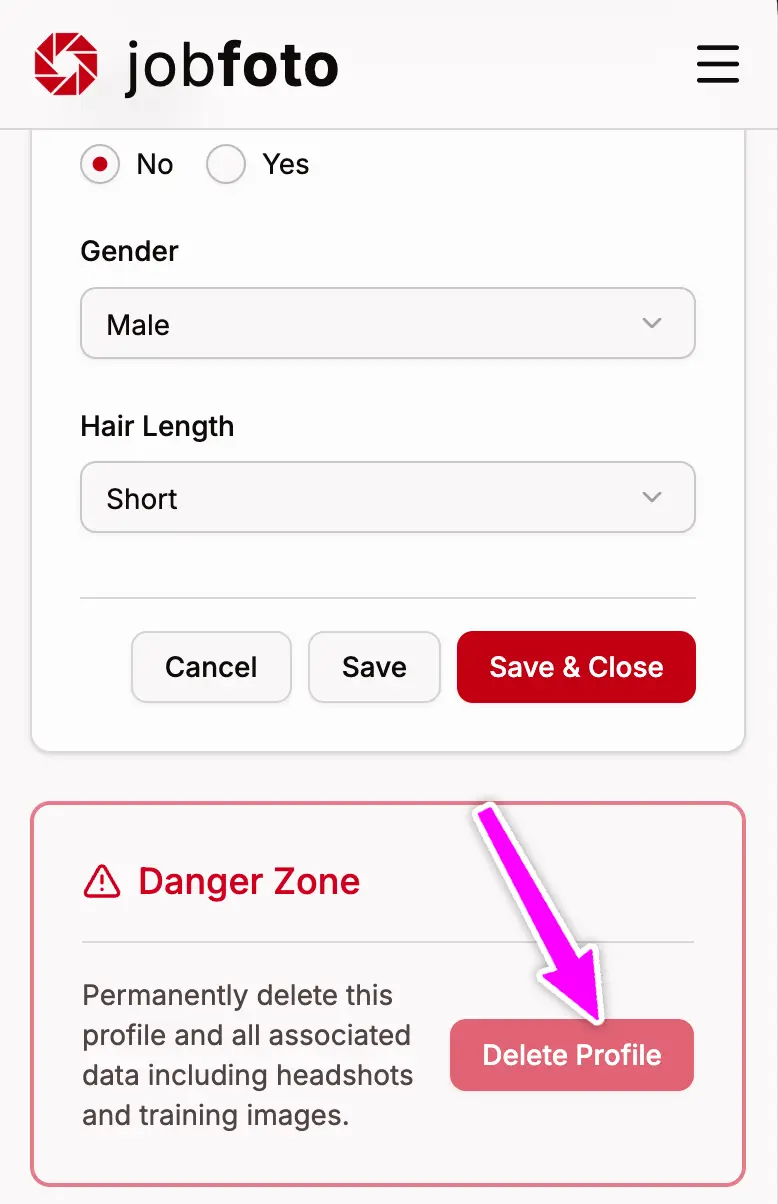
Was gelöscht wird
Beim Löschen eines Profils werden folgende Daten dauerhaft entfernt:
- Alle hochgeladenen Fotos
- Alle generierten Bewerbungsfotos und hochskalierten Bilder
- Profileinstellungen und Metadaten
Zuerst herunterladen
Stellen Sie vor dem Löschen sicher, dass alle Bewerbungsfotos heruntergeladen sind, die Sie behalten möchten. Nach dem Löschen können Bilder nicht wiederhergestellt werden. Im Profil die Favoriten markieren und herunterladen.
Ablauf der Löschung
Nach der Bestätigung werden das Profil, alle hochgeladenen Fotos und alle generierten Bewerbungsfotos innerhalb von 1-2 Minuten dauerhaft gelöscht. Dies kann nicht rückgängig gemacht werden.
Siehe auch
- Profile werden auch nach 30 Tagen Inaktivität automatisch gelöscht
- Um das gesamte Konto zu löschen, müssen zuerst alle Profile gelöscht werden