

Fotos hochladen
So werden Referenzfotos hochgeladen oder aufgenommen, und was ein gutes Foto ausmacht
 Geschrieben von Loris Siegenthaler · Gründer
Jobfoto braucht ein paar klare Selfies des Gesichts, um Bewerbungsfotos zu generieren. Möglich sind der Datei-Upload vom Gerät oder die geführte Mobile-Aufnahme.
Zwei Möglichkeiten, Fotos hinzuzufügen
Option A: Mobile-Aufnahme
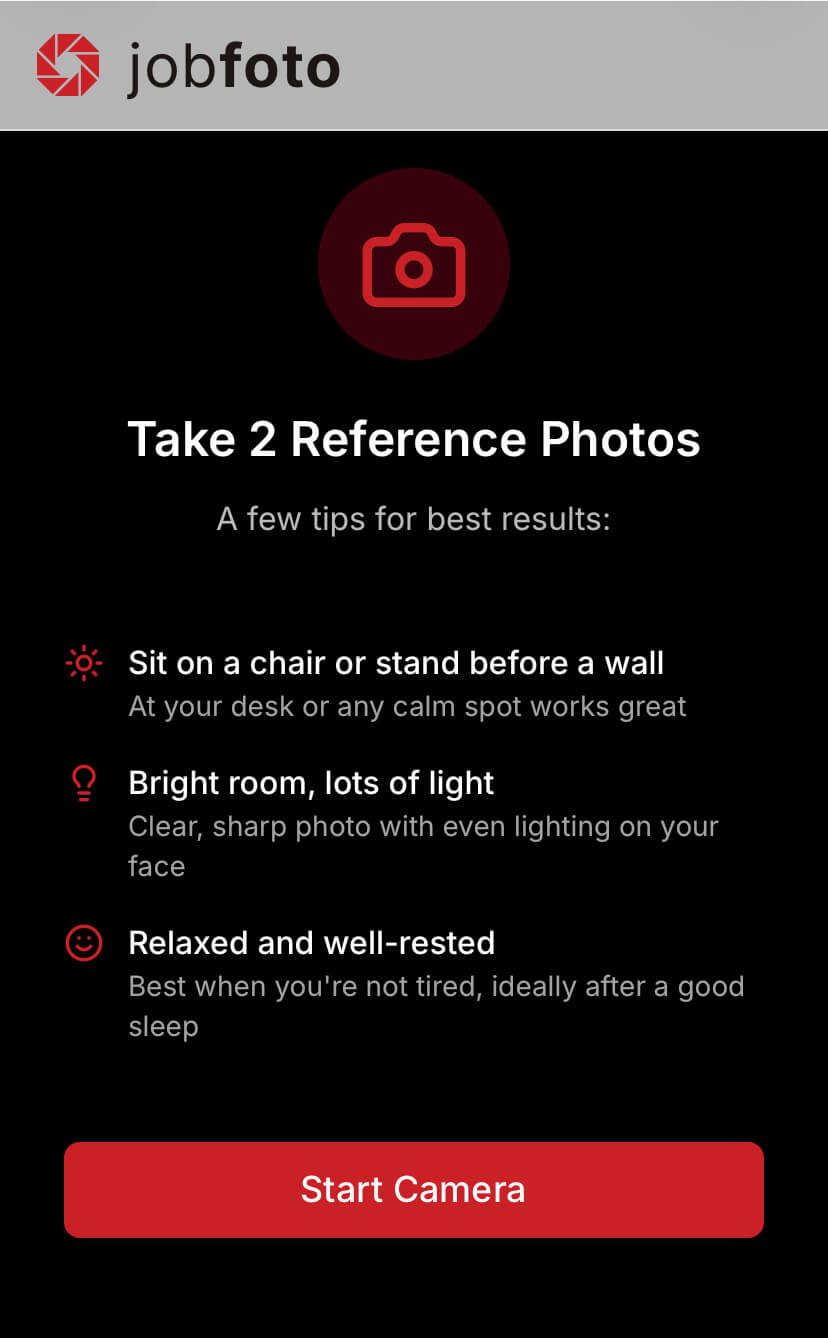
Auf dem Handy führt die App Schritt für Schritt durch die Aufnahme, mit Bildschirmanweisungen für Winkel und Ausdruck sowie einer Gesichtsführung zur richtigen Positionierung.
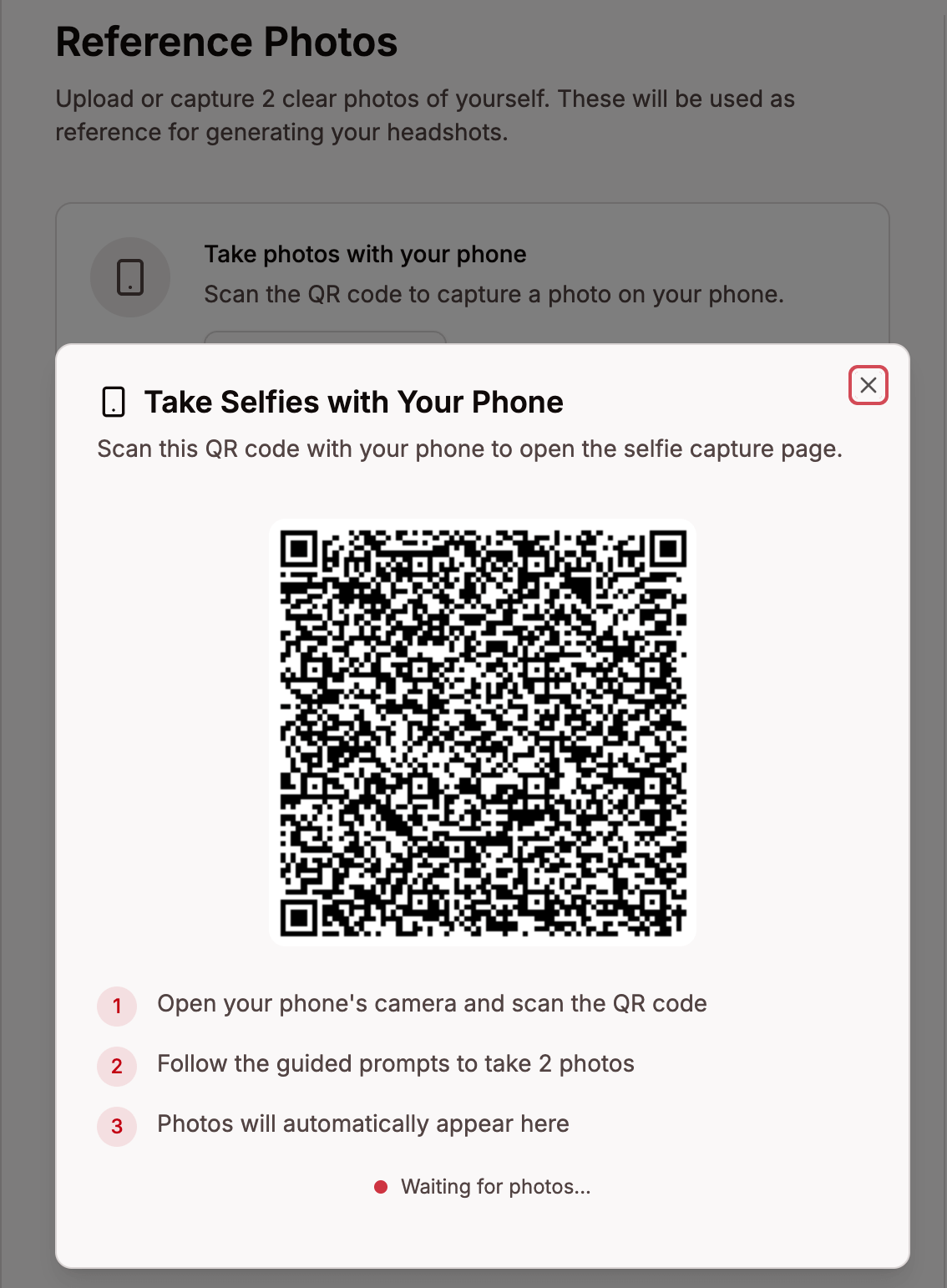
Am Desktop auf Aufnahme starten klicken, um einen QR-Code zu erhalten. Wird er mit dem Handy gescannt, öffnet sich die geführte Aufnahme – die Fotos werden automatisch mit dem Desktop synchronisiert.
Option B: Datei-Upload
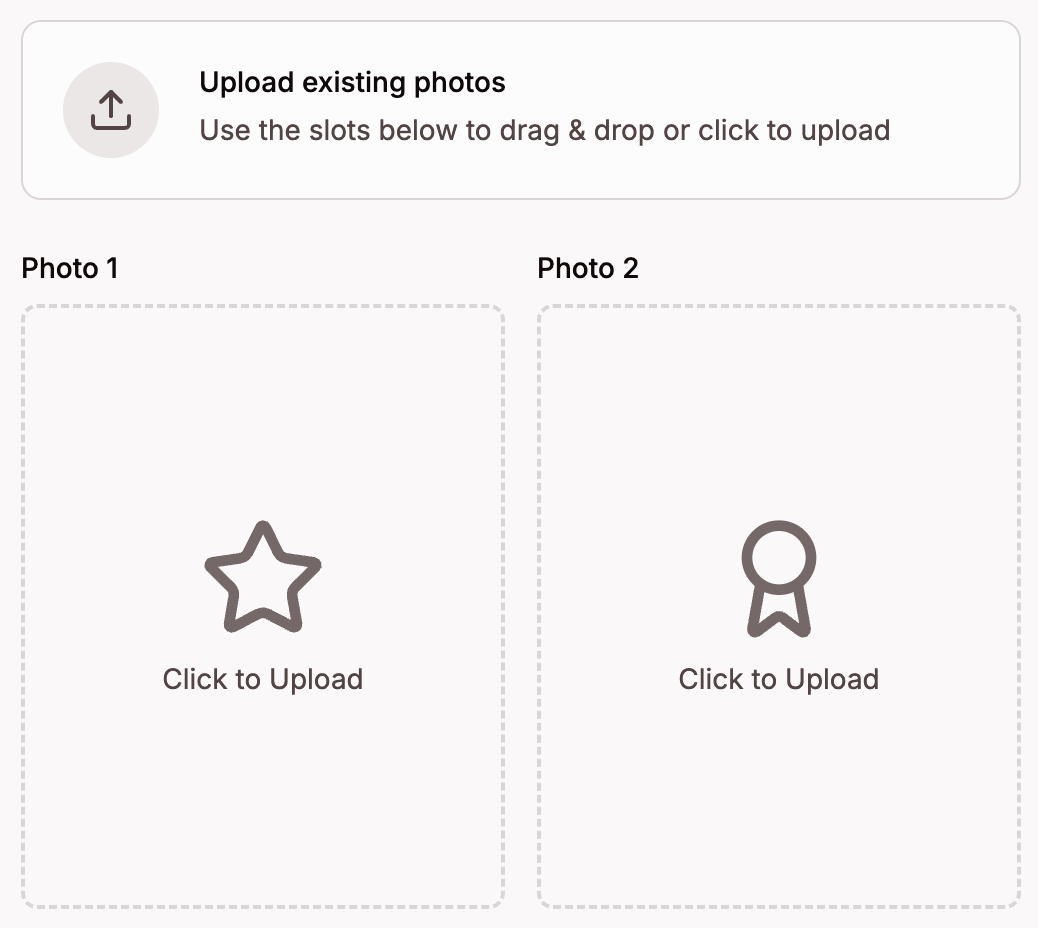
Fotos per Drag & Drop auf den Upload-Bereich ziehen oder klicken, um die Dateien zu durchsuchen. Am besten die zwei besten Fotos wählen – klare Selfies mit natürlichem Seitenlicht, auf denen das Gesicht vollständig sichtbar ist, funktionieren am besten. Unterstützte Formate: JPEG, PNG, HEIC und HEIF.
Qualitätsbewertung
Jedes hochgeladene Foto wird automatisch auf einer Skala von 0–100 bewertet:
- 85+ (grün) – Hervorragende Qualität
- 70–84 (grün) – Gute Qualität, einsatzbereit
- 60–69 (orange) – Akzeptable Qualität, nutzbar, aber mit kleinen Mängeln
- 50–59 (gelb) – Niedrige Qualität, für bessere Ergebnisse lieber ersetzen
- Unter 50 (rot) – Unbrauchbar, bitte ein anderes Foto hochladen
Ein Klick auf ein Foto zeigt den Score, eine detaillierte Qualitätsbewertung und Verbesserungsvorschläge. Nur Fotos mit einem Score von 50 oder höher werden für die Generierung verwendet.
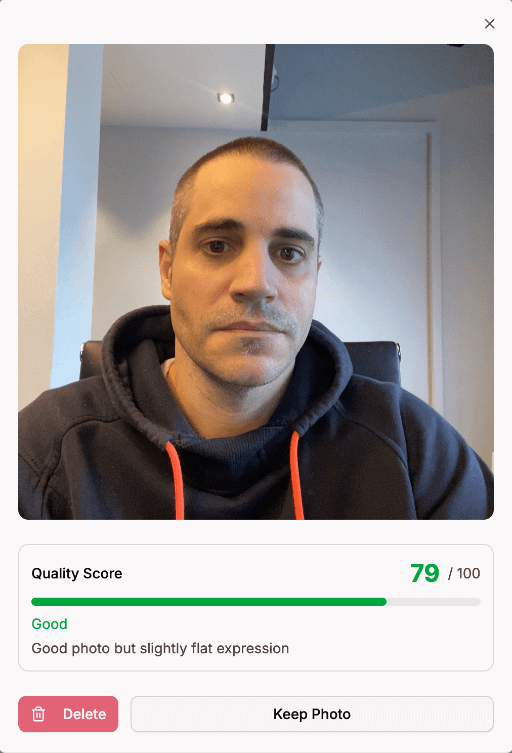
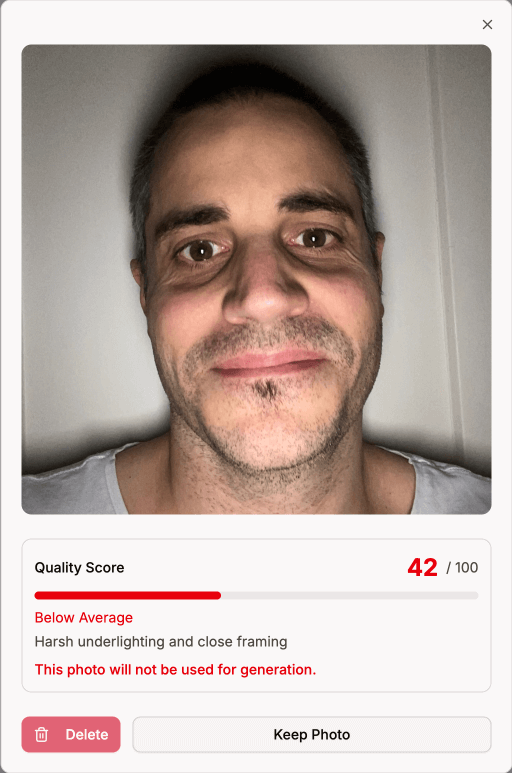
Foto-Anforderungen
Bessere Eingangsfotos führen zu besseren Bewerbungsfotos. Diese Tipps führen zu den besten Ergebnissen:
- Seitenlicht - in leichtem Winkel vor ein Fenster oder eine Lichtquelle stellen, sodass das Licht von einer Seite fällt, direktes Sonnenlicht oder Blitz vermeiden
- Im Stehen, Kamera auf Augenhöhe - im Stehen ist der Winkel am besten, das Handy eine Armlänge entfernt halten, um Verzerrungen zu vermeiden
- Hände weg vom Gesicht - Hände oder Gegenstände in der Nähe des Gesichts können die KI-Bearbeitung stören
- Zurechtmachen - Haare stylen, den Bart trimmen oder formen und Make-up so tragen, wie das Aussehen auf den Bewerbungsfotos sein soll
- Geschlossener Mund - ein ruhiger, natürlicher Ausdruck funktioniert am besten, keine Zähne zeigen und keine Grimassen schneiden